


In former - simpler - times macOS was known for being wysiwig - what you see is what you get. Apple didn't invent abstractions like desktop, file or folder. But every modern operating system uses the names and you know what those are.
Names are important. We know that a desktop isn't wood. But we expect certain behaviour from our computer desktop.
As Howard says in his blog post about date handling in macOS 11.2 macOS has become psychopathic:
The underlying reason is that macOS 11.2 no longer distinguishes between the illusions it creates for the user, and harsh realities required by the system. It has become psychopathic.
This, of course, doesn't only affect the dates but also hard disks and free space on them. As I found out on the weekend.
I was doing some archiving for updating a blog post. Suddenly, I got the 10% disk space warning. A quick look at the Finder showed me that I had enough space left: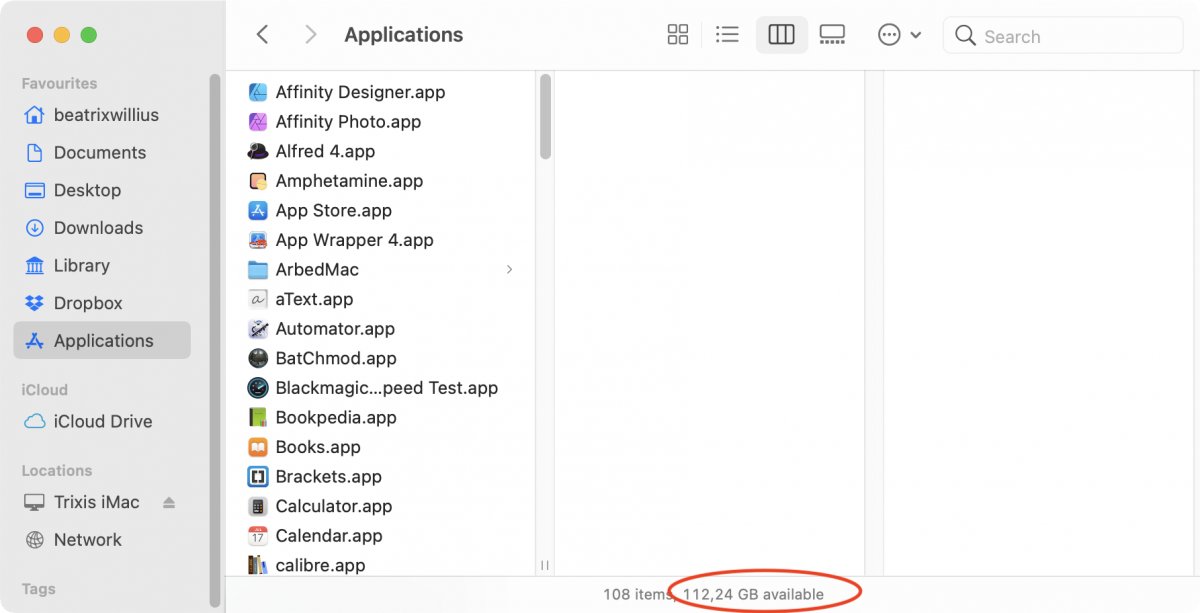
The size of the hard disk is 256 GB. 10% would be 25 GB. So why would I get the 10% warning?
Of course, I had read before that Apple now thinks that MY free disk space is now THEIR plaything with snapshots and Time Machine and secret downloads and what not. But the Air is just my reading and testing computer. I don't even use Time Machine on this computer.
I did a scan of the hard disk with DaisyDisk: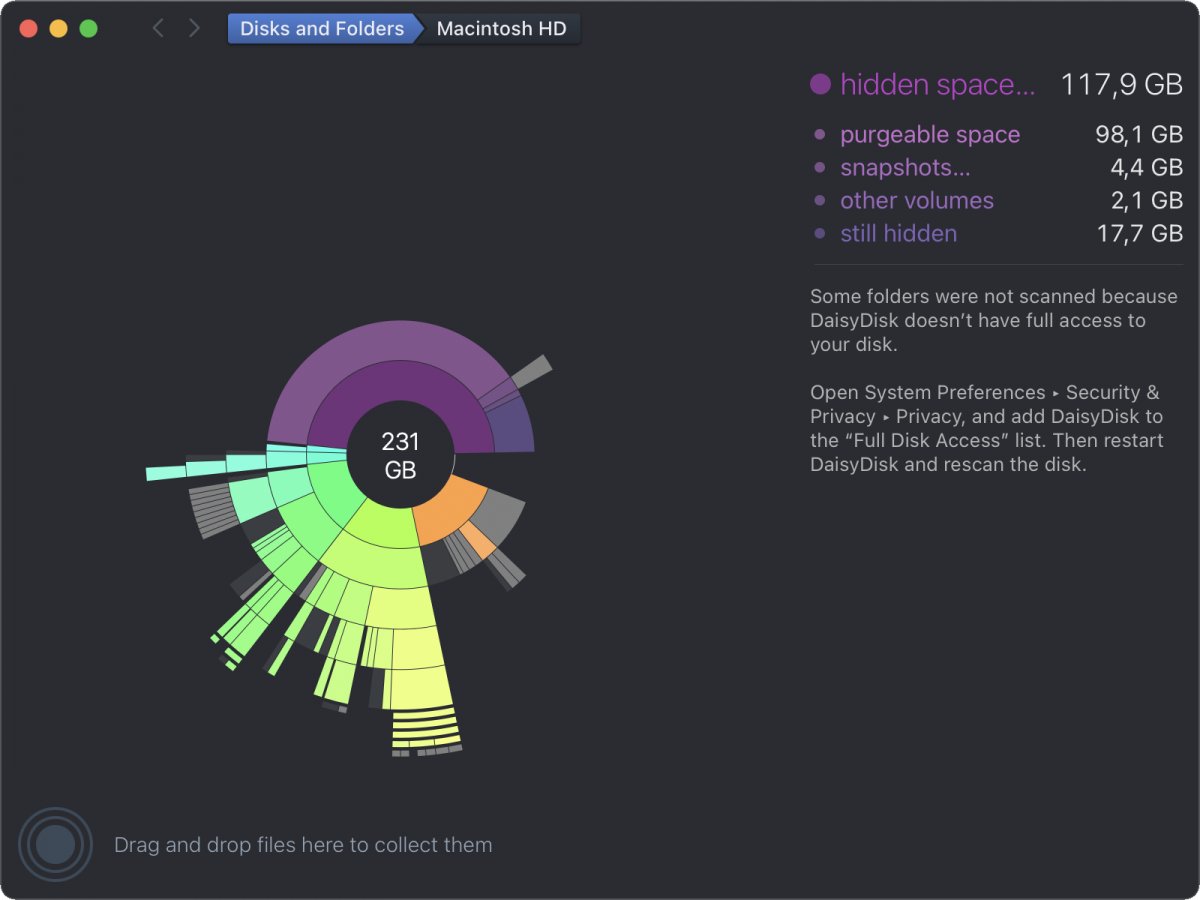
Lo and behold I have 98 GB "purgeable space".
Mail Archiver only calculates the little sliver between the orange and the purple parts of the graphic. Which isn't what the Finder shows.
I tried to run some Terminal command. But like free space isn't free space anymore a disk isn't a disk anymore. And anyways the Terminal doesn't know anything about the Finder:
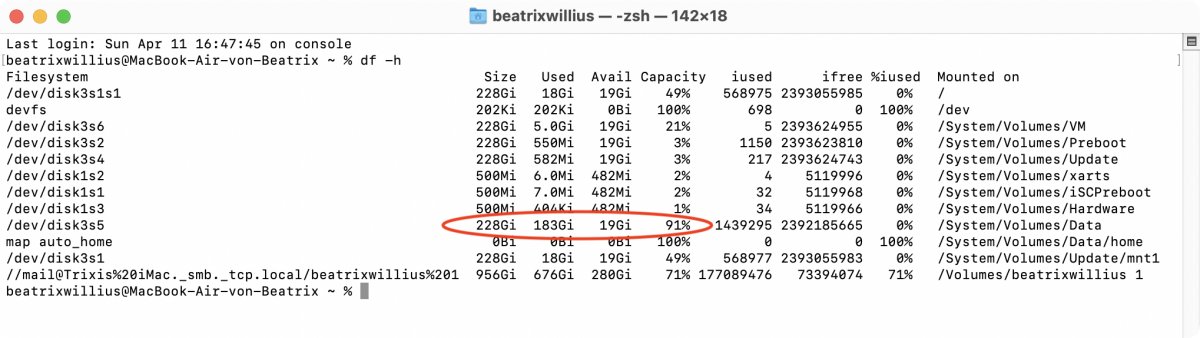
But I can ask macOS what real free space is. So the problem is going to be fixed in one of the next versions.
The question is now if I'm brave enough to purge the "purgeable space".