


Messages in iCloud is useful when you want the same current conversations on your iPhone, iPad, and Mac.
It is not an independent archive.
The difference is simple: sync keeps devices in the same state. An archive keeps a separate copy.
Messages in iCloud sync is two-way
Messages in iCloud keeps your Messages history up to date across Apple devices. Apple describes the behavior plainly: when you send, receive, or delete a message on one device, the update appears everywhere.
That is what sync is supposed to do. If you delete a conversation on your iPhone, the deletion is not treated as a mistake that another device should protect you from. It is treated as the new current state.
The deletion travels.
This is the same problem people run into with email. An IMAP mailbox on a Mac, iPhone, and server can feel like several copies. But if the mailbox is synced, a deletion can move through the whole set. More devices do not automatically mean an independent archive.
A Messages archive is one-way
An archive works differently.
The information flow goes one way: from the original data into the archive. The archive may add newly captured messages, but it does not delete archived messages just because the live Messages history later changes.
That is the point of archiving. You separate the preserved copy from the daily system.
If you delete a conversation from the phone later, that will not reach backward into the archive and remove the older archived copy. If a device is lost, wiped, replaced, cleaned up, or synced into a bad state, the archive will still be there as its own storage.
Why synced Apple devices are not separate copies
Sync feels safe because the conversation appears in several places.
You see the thread on the iPhone. You see it on the Mac. Maybe it also appears on an iPad. It is natural to think, "I have copies."
But they are not independent copies if they are all following the same synced state. They are different windows into the same current history.
That distinction matters most when something goes wrong. If an unlocked phone is grabbed and messages are deleted, or if you delete the wrong conversation during cleanup, the synced devices are not an archive. They are part of the same live system.
An Apple ID problem can block access to iCloud messages
I have seen this more often with email because I have worked with email archives for much longer. More than one user had a Gmail account hacked. One user could no longer access his web.de account. In those cases, the problem was not a broken Mac. The problem was that the account holding the live data was no longer available for that person.
The same kind of risk exists with Apple accounts. Paris Buttfield-Addison wrote about a decades-old Apple ID being locked after an Apple Gift Card problem. The account was later restored, but the useful lesson is smaller: an ordinary-looking account issue can put years of iCloud data out of reach.
This is why sync is a poor substitute for an archive. If all access depends on the same account, the same sync state, and the same provider decision, you do not have an independent copy.
Recently deleted messages are not an archive
Apple does provide a recent-deletion recovery feature on current systems. As of Apple's April 2026 support article, deleted messages and conversations can only be recovered within the recent-deletion window Apple describes there.
That is useful for a recent mistake. It is not an archive plan.
An archive will not depend on noticing the deletion quickly enough. It already exists outside the live Messages system.
When Messages in iCloud sync is enough
Use Messages in iCloud for daily convenience.
It is good for keeping current conversations available across Apple devices. It is also useful when setting up a new Apple device, because your current message history can appear there after Messages in iCloud is set up and finished syncing.
That is the right job for sync: access to the current state.
When to make a separate Messages archive
Use an archive for conversations that need to survive changes in the current state.
That includes project decisions, client messages, family history, important attachments, or any conversation you may need after cleanup, device replacement, account trouble, or accidental deletion.
A useful Messages archive will give you:
- a separate storage outside the daily synced Messages state,
- a way to search the archived conversations,
- a way to export readable files such as PDF or HTML,
- a backup of the archive itself.
The backup part still matters. An archive on one disk is only one copy. Archiving separates the conversation from sync; backup protects the archive from disk failure, loss, or damage.
Where MAX Messages fits beside Messages in iCloud
MAX Messages is for the archive job.
It is not a replacement for Messages in iCloud. You may still want iCloud sync for daily use. MAX Messages does the different job: it creates a separate archive of Messages conversations, so you are not depending only on the current synced state of your Apple devices.
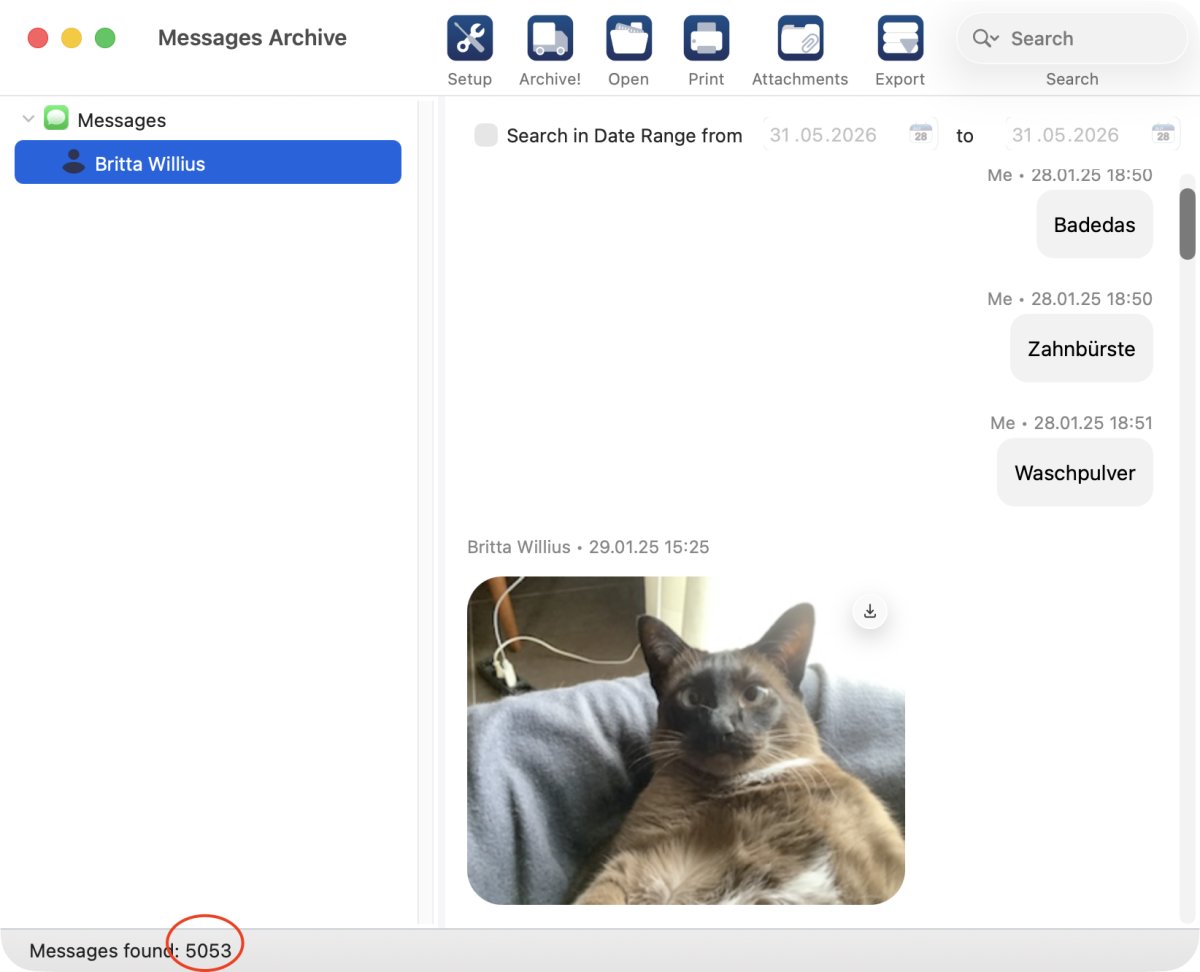
Messages in MAX Messages 1.1: I'm always surprised how messages accumulate. Between end of January 2025 and end of May 2026 I have more than 5000 messages with my sister:
The practical conclusion
Messages in iCloud keeps your current Messages history synced. That means changes travel, including deletions.
An archive is a separate copy with one-way flow from the original data into the archive. It adds preserved history. It should not mirror later deletions from the live Messages system.
If a conversation matters, do not treat sync as backup. Archive it separately, then back up the archive.
Click here to learn more about MAX Messages.