


I often get emails with attachments. Since about forever I wanted to automate saving the attachments in a folder and then unzipping those attachments.
So today I'm going to do a first look at how to use Automator to give a test AppleScript a keycombo.
Starting Automator I get the following window:
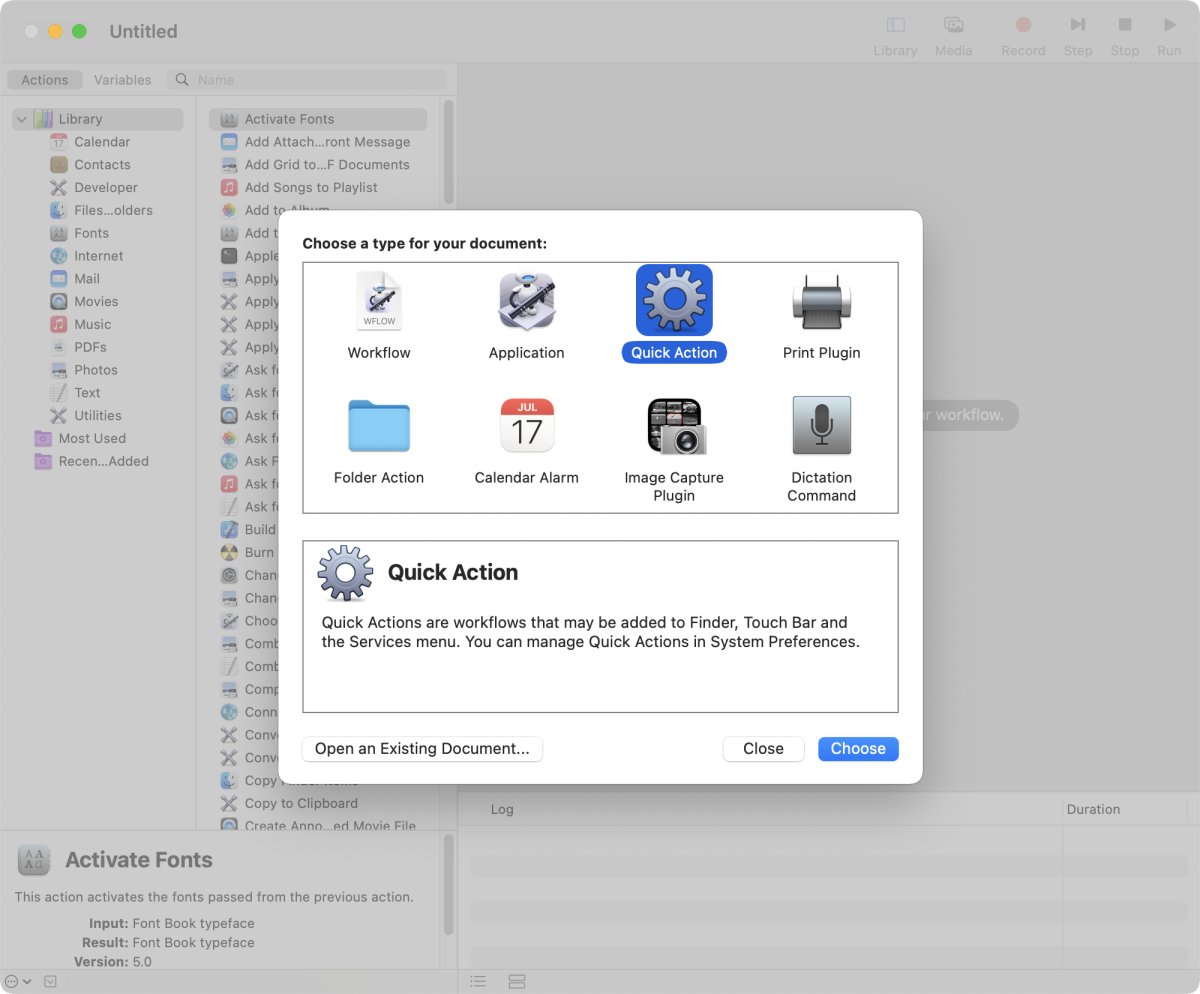
To do an AppleScript I need to select a Quick Action. Whatever that means. macOS regards the result as a Service which we will later see in the System Preferences. Apple says about Services:
Services let you use features of other apps for the task you’re doing without having to open those apps.
This describes what I want to do.
Selecting the Quick Action gives me a surprisingly busy window:
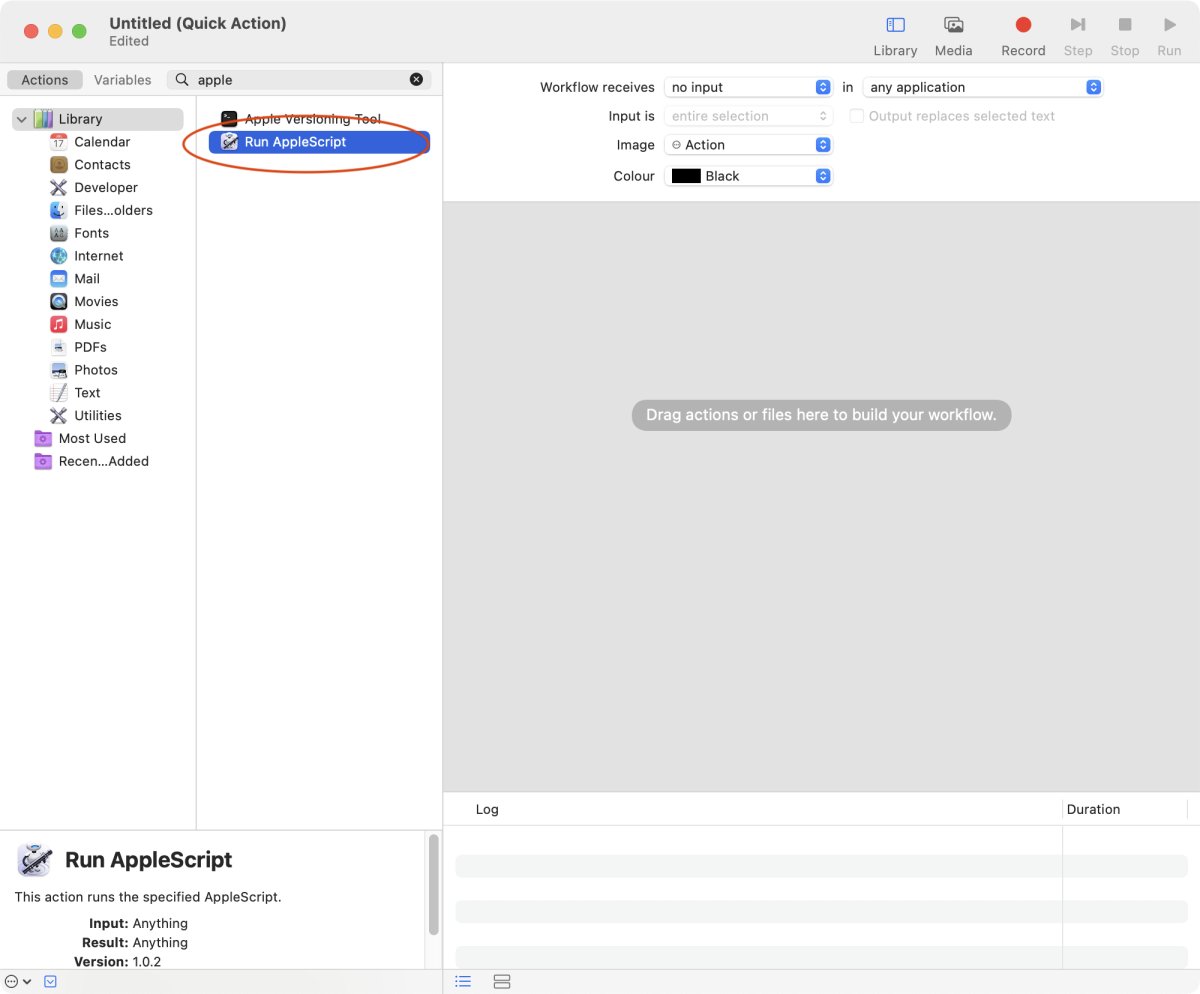
The left side shows the Library with application, the middle area shows steps that can be used with a Quick Action. There are general actions. Apps can offer their own actions. Since I want to do an AppleScript I type AppleScript into the search bar. The AppleScript step needs to be dragged into the right area.
In "Workflow receives" I need to change the value to "no input" because the AppleScript doesn't need any input. As always I start with the simplest test possible and use a "display dialog" as AppleScript:
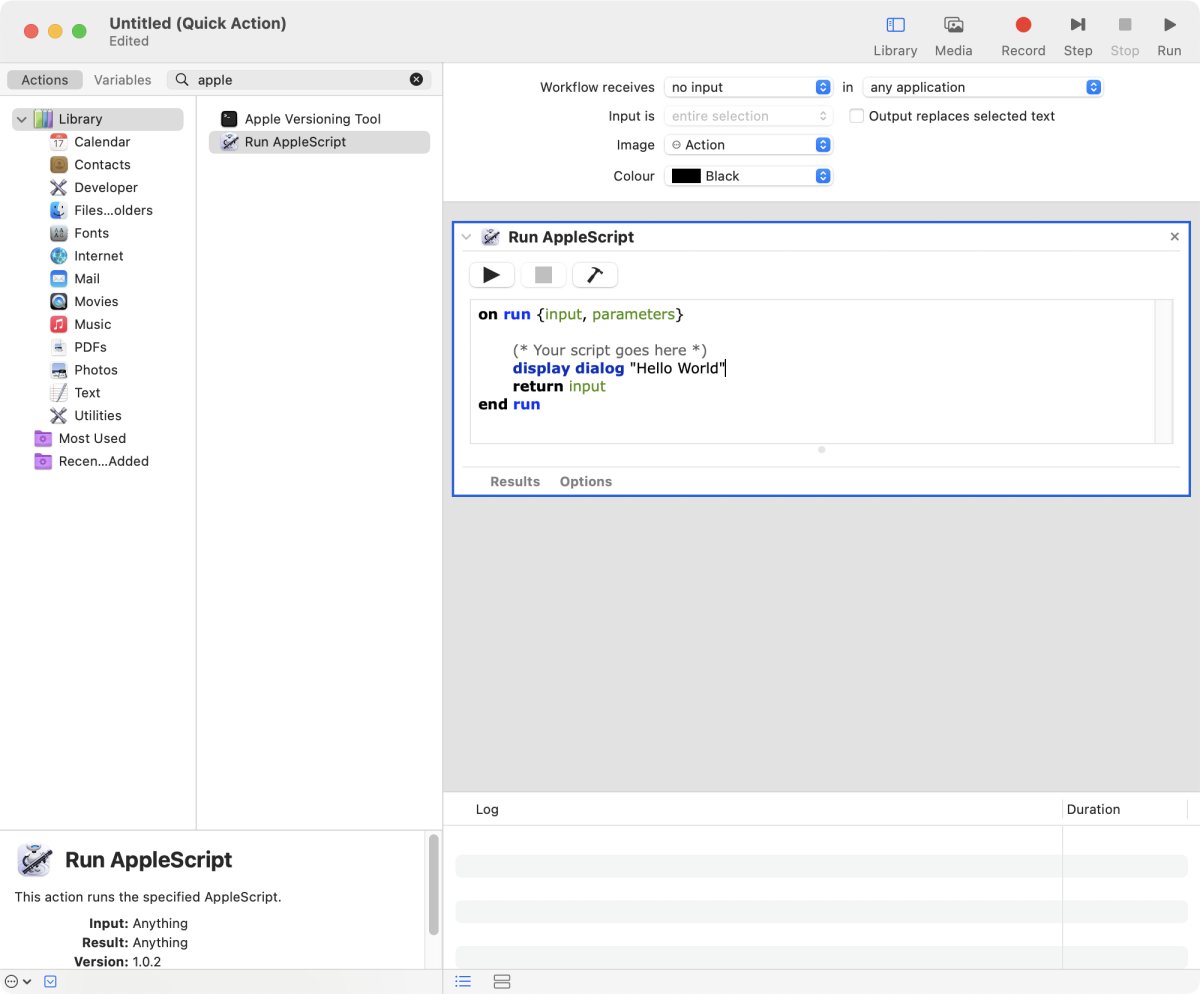 The text area looks like the editor in Script Editor. I can check the syntax and run the script. If there is an error it's shown here. This is a really nice feature. For a fully fledged AppleScript I would save the script separately.
Don't forget to save the Quick Action: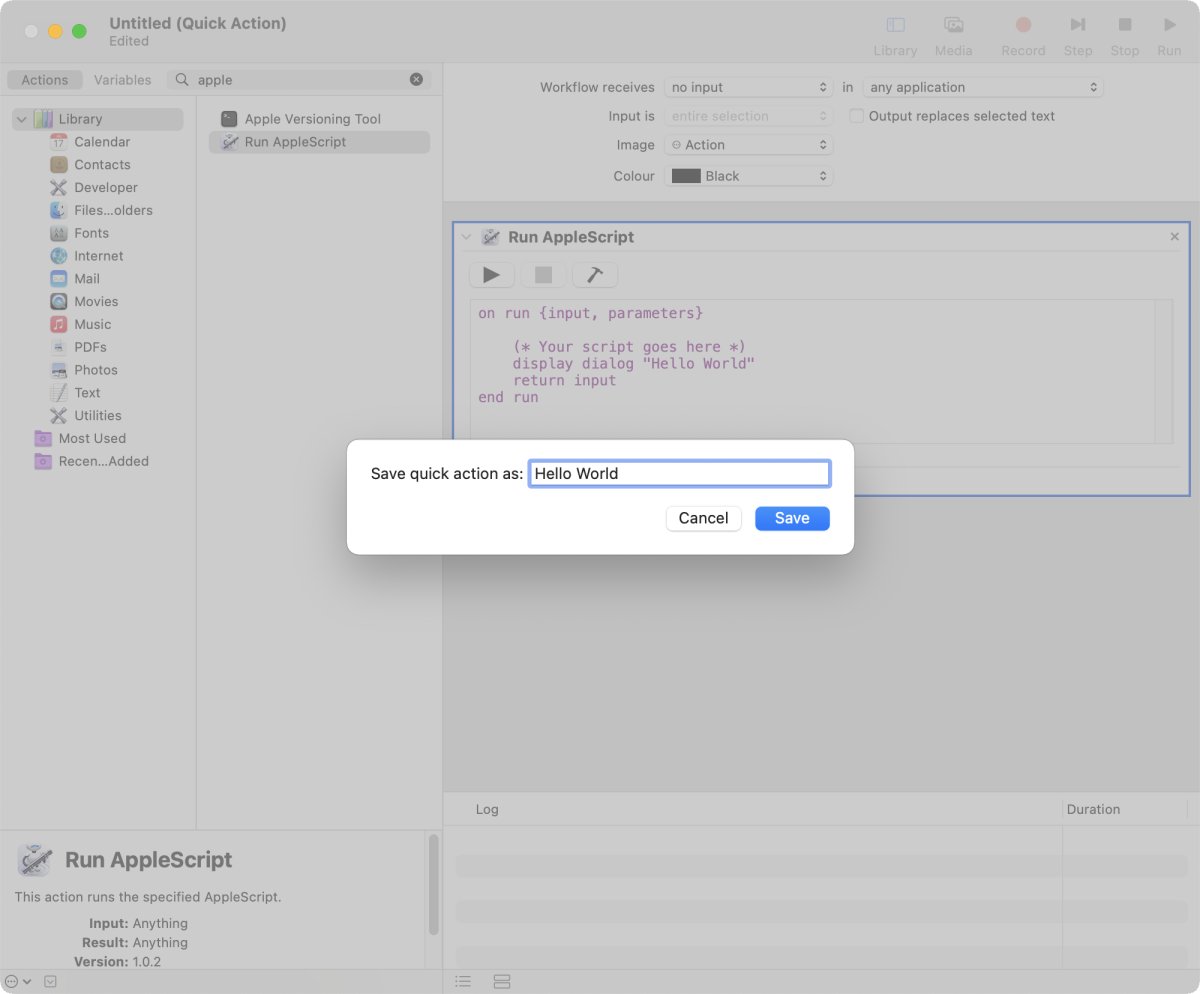
As I can't select the location the script is saved deep into the bowels of macOS. But it's possible to export the Automator file.
That was the easy part.
Now I need to give the Quick Action the key combo. Which turned out to be really clunky.
I open System Preferences -> Keyboard -> Shortcuts -> Services. That's why I said above that it's odd that the name of the Automator "thing" is Quick Action. After doing a bit of scrolling I found my "Hello world" Service/Quick Action:
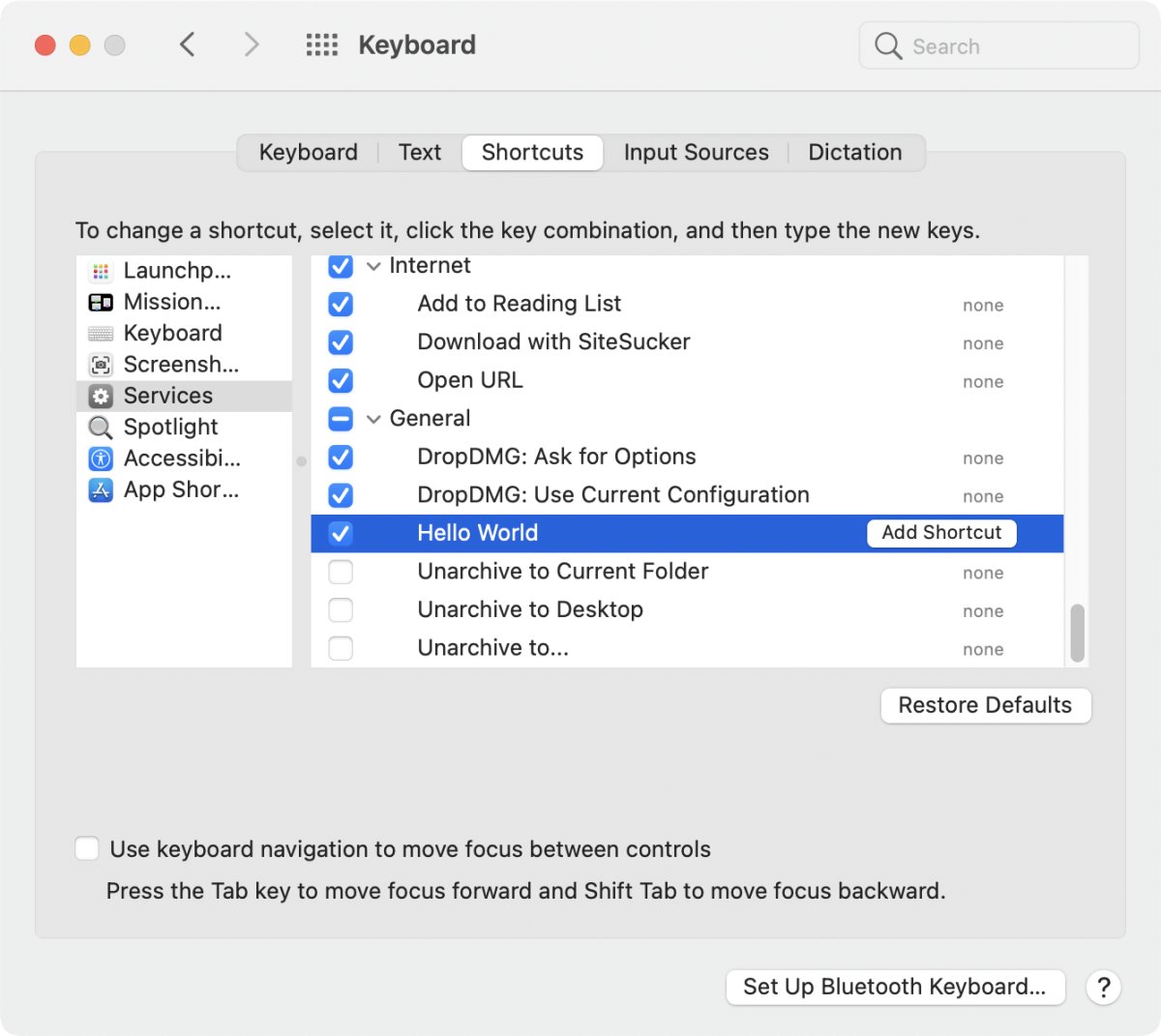
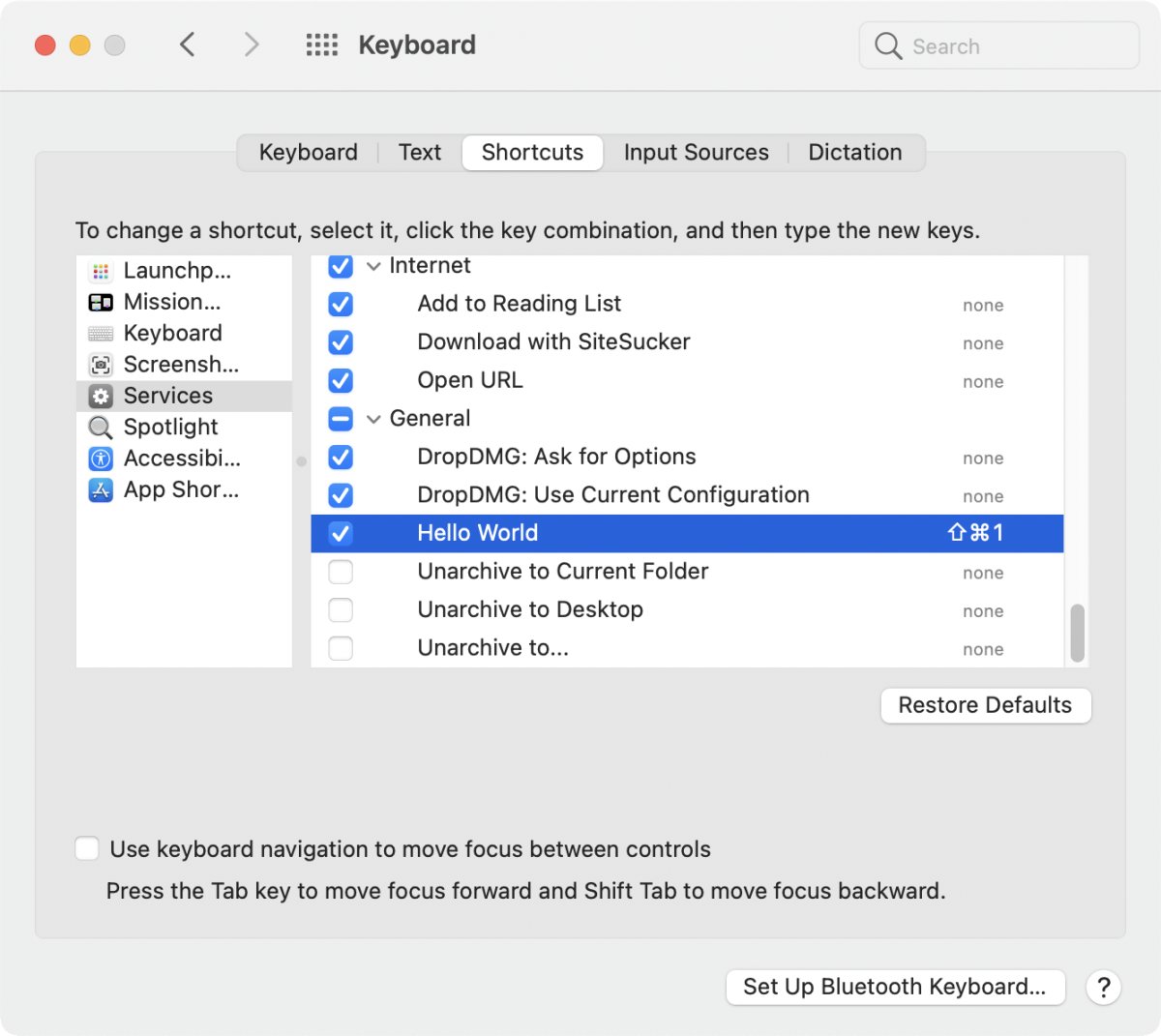
After clicking on "Add Shortcut" I can add the shortcut Shift-Cmd-1:
I quit the System Preferences, tried my new keycombo and got nothing. I checked everything and nothing again. Perhaps the MacBook needed to do some meditation or whatever. It took a minute or so to get my result:
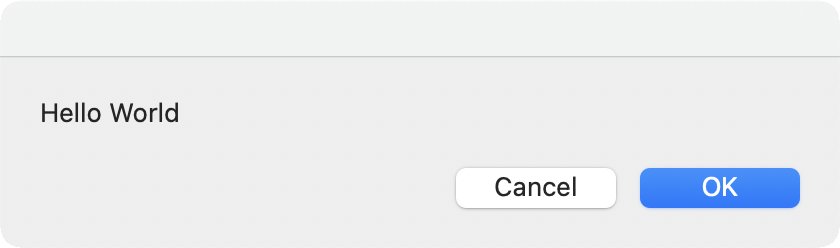
Uff, success!!!
My head usually rattles with code and not with keycombos. I can't even remember the keycombos of apps I use every day like Mail or Xojo except the usual suspects like Cmd-S or Cmd-P. Setting the keybombo itself also wasn't really nice. Therefore, I'm going to look at something easier to use in the next article.