


In the article on how to create an Automator Quick Action I had a look at how to do an AppleScript with a keycombo. I had mentioned that my head rattles with code. Keycombos except Cmd-S or Cmd-P are not kept in my brain. The app Alfred offers a different way to do the same.
I have an NFR license for the Powerpack which is needed to create workflows in Alfred. What I write is my own experience.
I'm not going to look at the general interface of Alfred. My topic is the Workflows in Alfred. Again we are going to start with the simplest case possible.
The main window of Alfred has a tab Workflows. There is a rather small plus button at the bottom to add a new workflow. For every window there are help texts on what to enter.
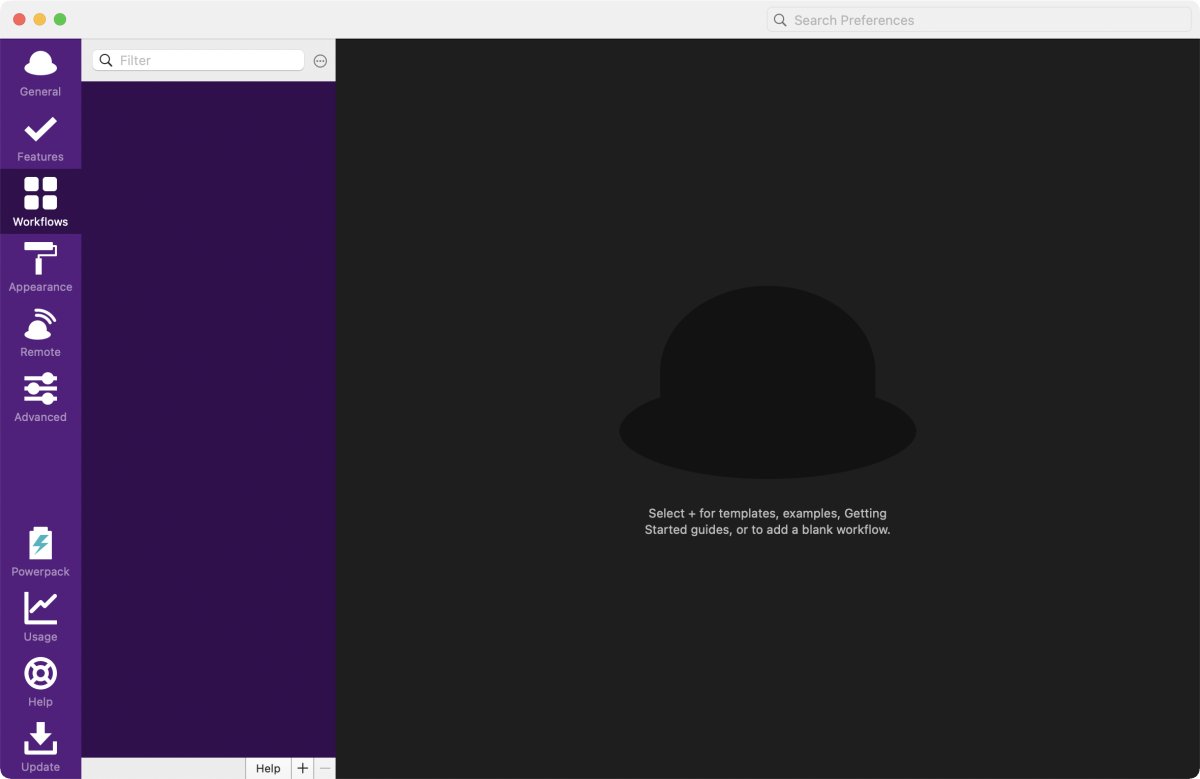
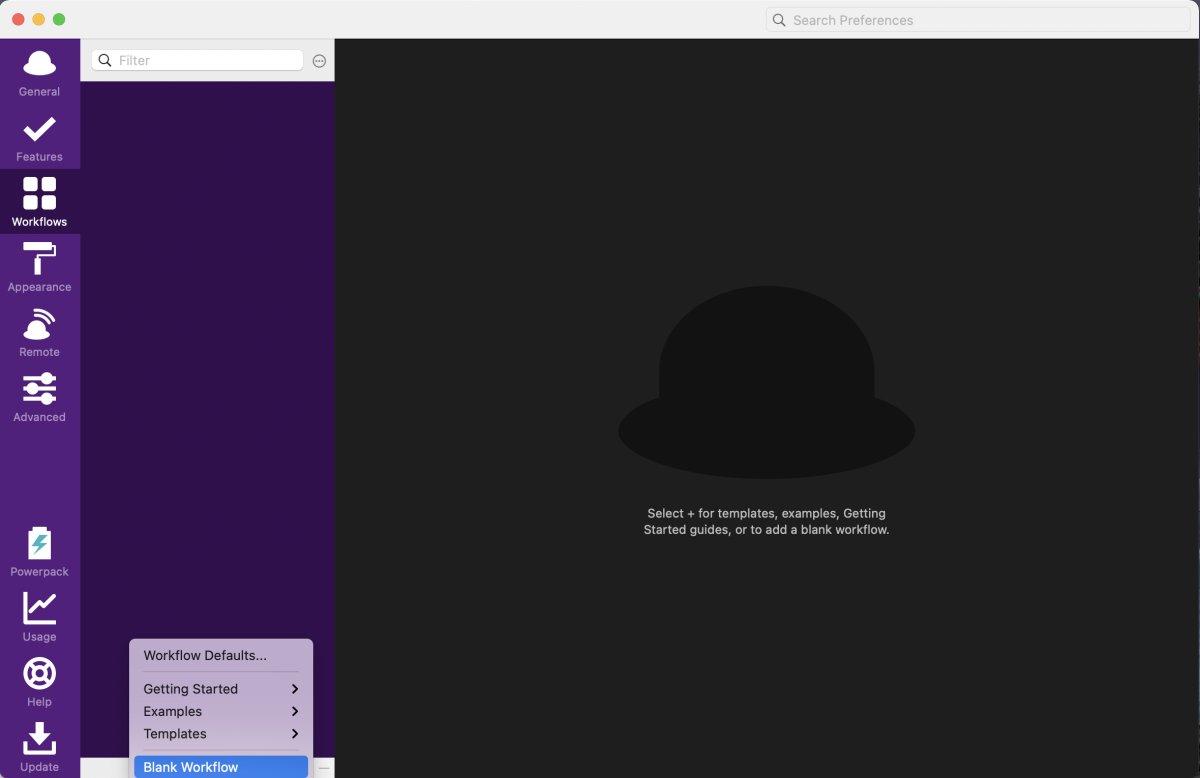
Clicking on the plus button I get a menu for examples and templates. Today I'm going to start with a blank workflow, which is the last option.
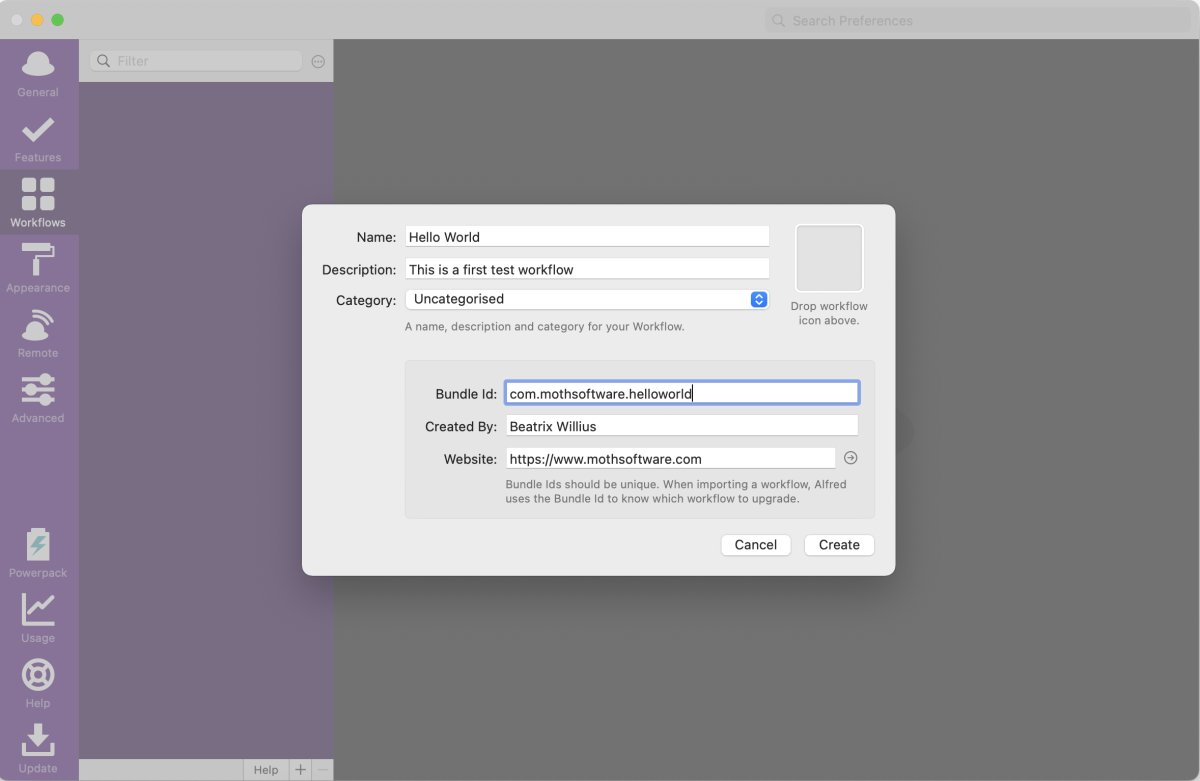
Now I got a window with basic information about my workflow:
- There is a name and a description.
- I can add a category if I want to organize my workflows.
- I have to add a bundle id for the workflow. The help text says that a bundle id should be a unique identifier. Only developers will know what a bundle id is. Usually, it is an app identifier. "com.mothsoftware.mailarchiverx" is the identifier for Mail Archiver. Calling this identifier would have been less confusing. Especially, when you click into the field and the hint is lost. It would have been even better if Alfred could have done the unique identifier itself: "com" + username + name of the workflow.
- A created by is followed by the website. Both are meant for users who distribute their workflows.
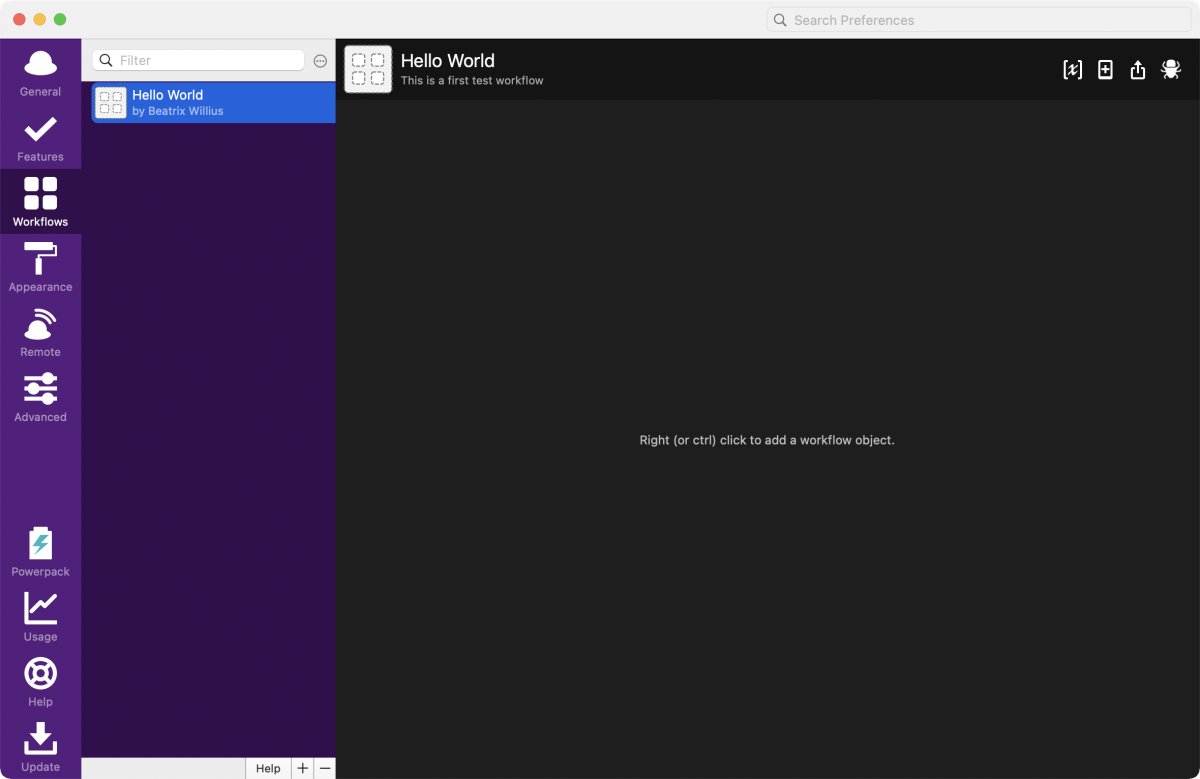
Clicking on the Create button gives a blank new workflow. Again there is a nice text to get started.
 Doing a right click gives a menu.
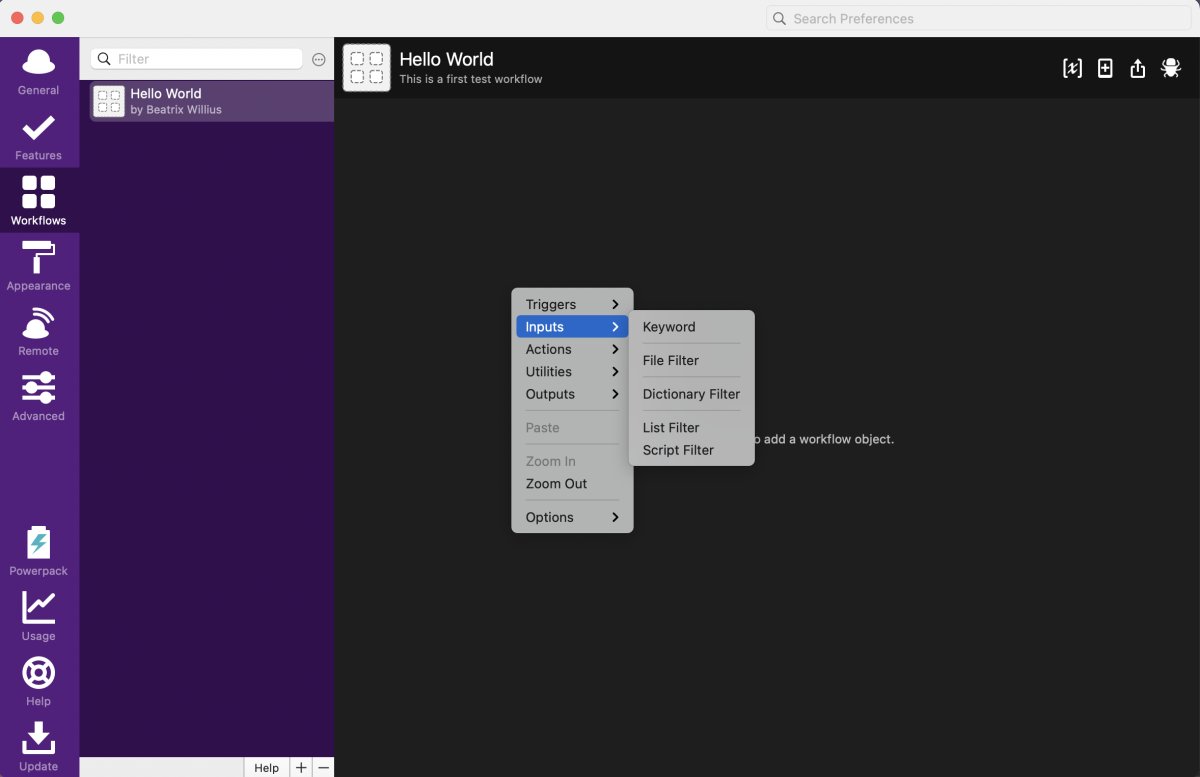
In Automator I made the Quick Action with the AppleScript. Then I gave the Quick Action a keycombo. The workflow in Alfred needs something to start which is either a Trigger or an Input. An example of a Trigger would be the keycombo. I'm going to do an Input in this tutorial because I want to type "hello world" for my hello world script. This is something I can actually remember.
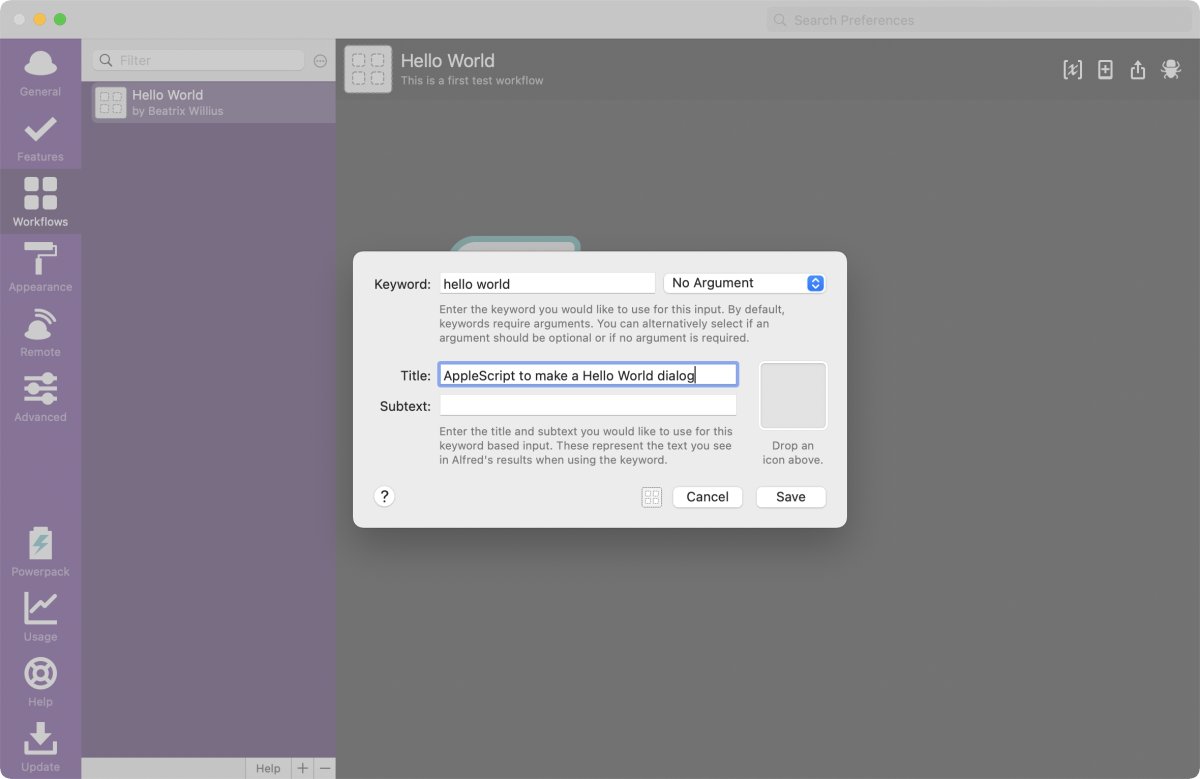
From the available Inputs I'm going to choose Keyword. Which I'm going to configure next.
The "hello world" keyword doesn't need an argument. I've seen a workflow to do a search in Outlook. The search term for such a workflow would be the argument. Title and subtext give more information about the keyword.
I have the beginning of a workflow. Now I need to do the action of the workflow.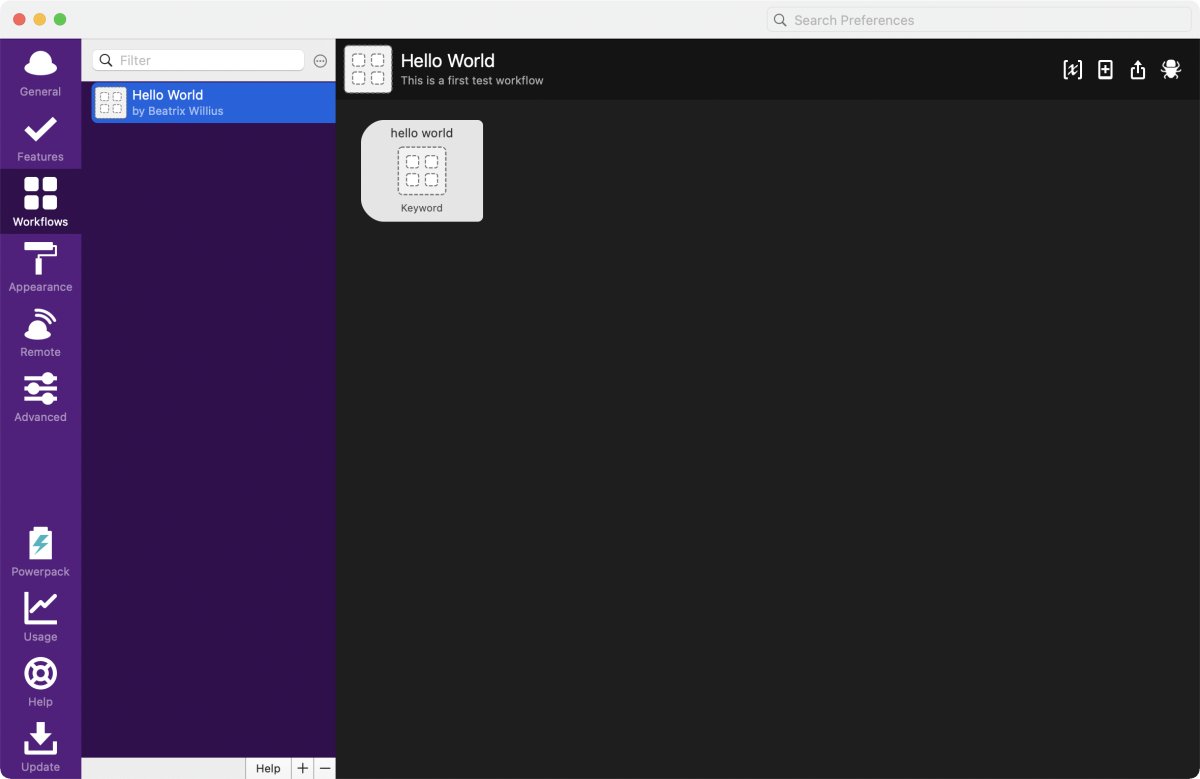
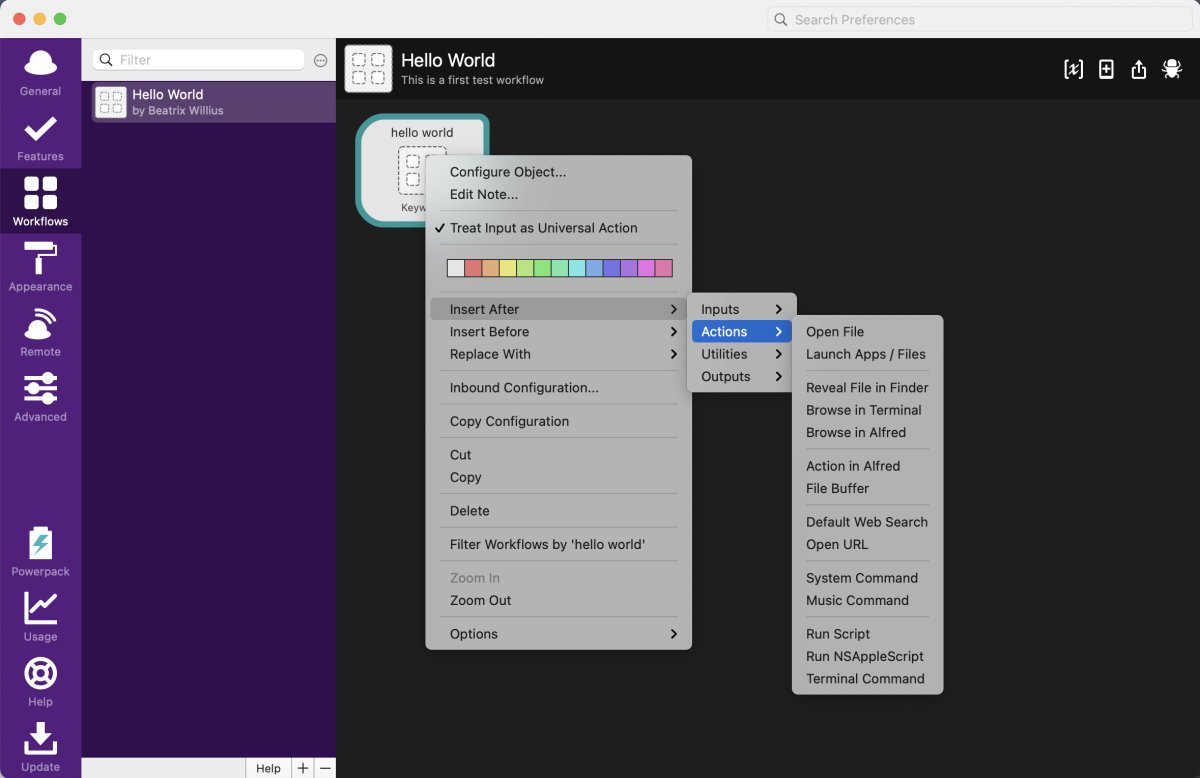
Doing a right click on the Input I get a menu for what I can do with the Input. As I want something to go after the Input I need to select "Insert After" -> Actions -> NSAppleScript.
Finally I can do the AppleScript. Again I make my wonderfully inventive "Hello World" dialog.
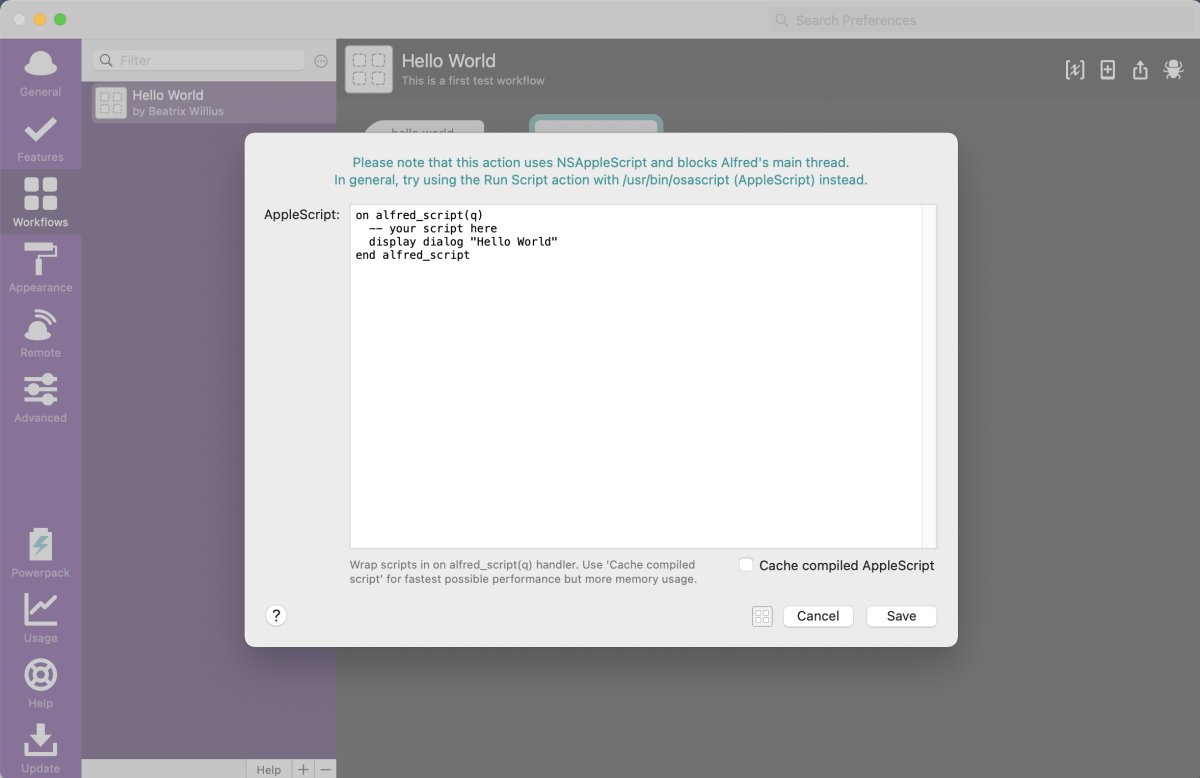
This window has a few issues:
- The text above the AppleScript says that the AppleScript will block the main thread. Like the bundle id this is developer information. The information in the manual is a bit better. If you have a long running AppleScript and then you want to use Alfred you can't do that because Alfred is busy with doing the AppleScript.
- The 2 lines "on alfred_script(q)" and "end alfred_script" are an implementation detail that could be handled by Alfred invisibly to the user.
- The AppleScript code is shown as is. Making a code editor with indentation, coloring, errors and result if super easy for AppleScript.
Caching is something that Mail Archiver does, too. Some of the AppleScripts are executed very often like getting emails from Outlook. Caching can make the AppleScripts faster.
After clicking on Save I have a finished workflow.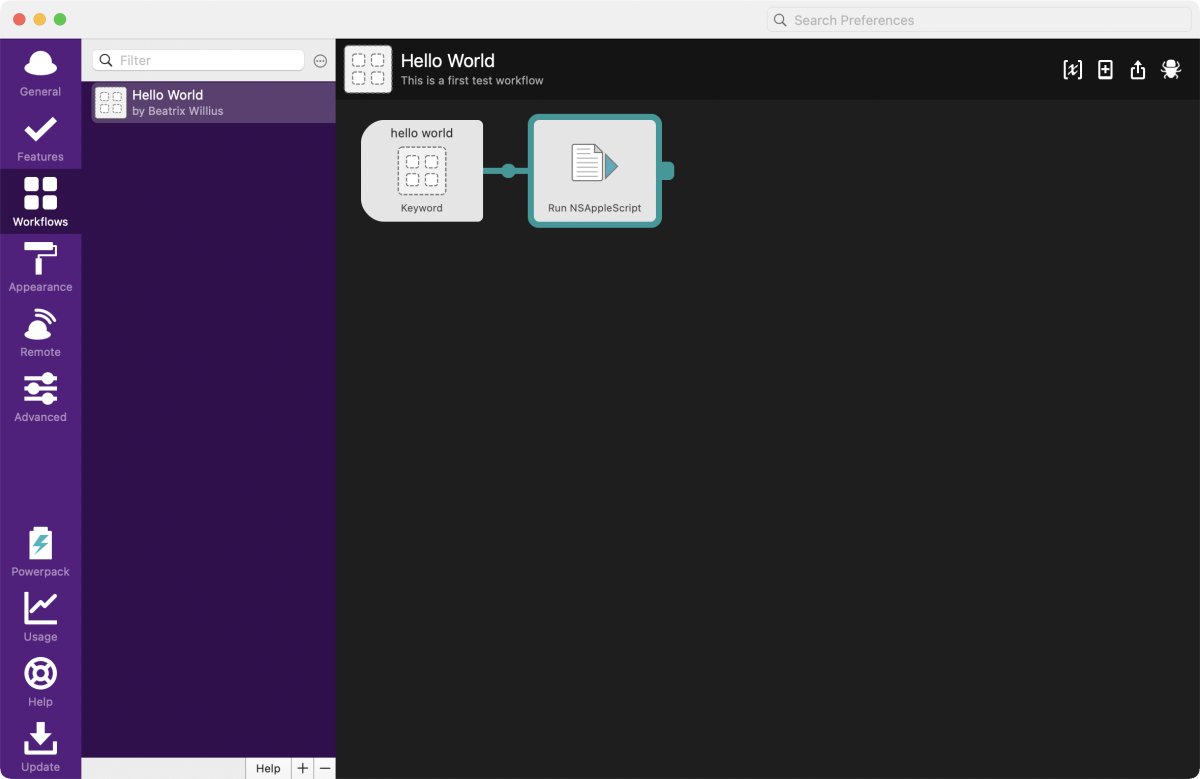
Now comes the part that was so annoying for the Automator Quick Action. After typing "hello" I get the workflow in Alfred. This was really super easy. No cursing involved.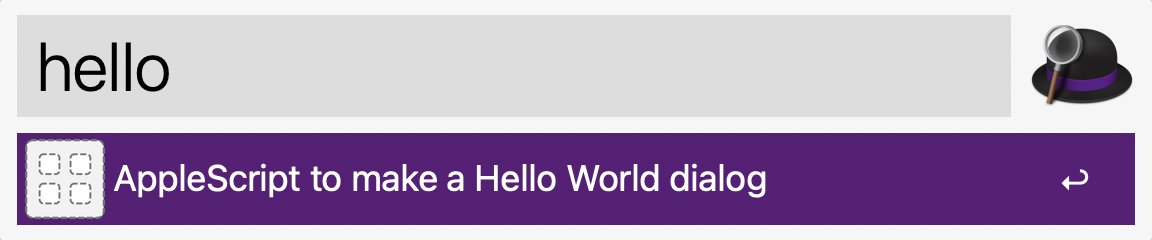
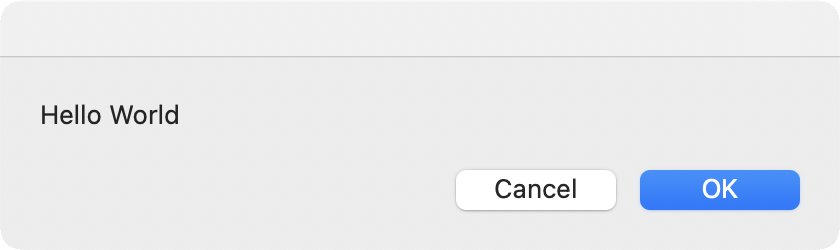
After pressing return I get my "hello world":
The verdict
What I did was super simple. But with the basics in place it's now equally easy to make a script that actually does something with a keyword that is better than "Hello world".
The hard part of learning each app is "where do I go, where do I click". That was handled very well in Alfred. At some locations terminology was used that is only familiar to a developer. This could be improved.
In the article I barely scratched the surface of Alfred. I've already seen 2 other important pieces I need to discuss: debugging and doing a script instead of an AppleScript. Then there are are other Inputs and Actions to check out.