


In Changing all emails of an account in Mail I had a look at how to change the background of an email in Mail. Mail offers flags and the color of a background. Outlook has categories instead. As always Outlook makes things more interesting than Mail.
What are categories in Outlook?
In Outlook it's possible to give an email a category:

I don't need to understand why English Outlook is showing me German categories. In contrast to Mail's flags or background color it's possible to change the categories and even change the color of a category: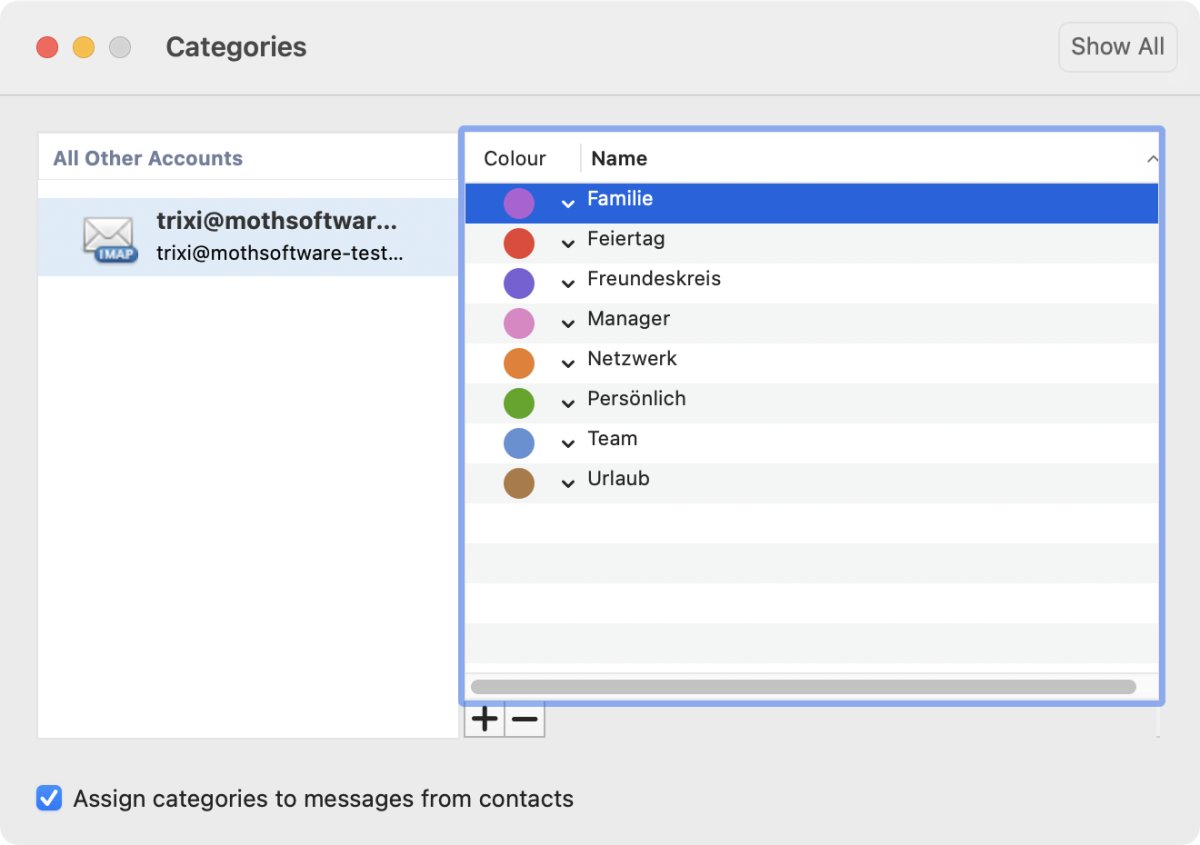
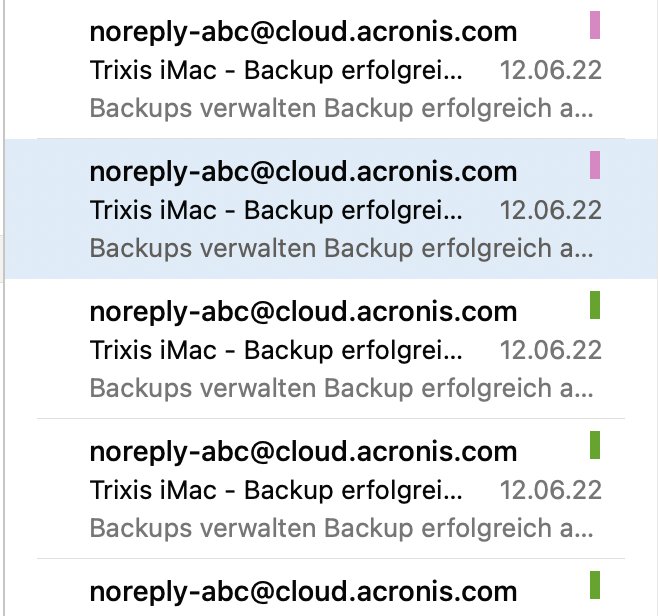
For testing I gave some emails a category:
AppleScript and Outlook's categories
In the beginning I didn't really know if the categories were scriptable or not. The dictionary was not encouraging:

When searching for "category" I would have expected the message to have a property "category". But I didn't find anything. And what are "nodes" in Outlook???
Getting started with categories in Outlook
According to the dictionary categories should be a list and each item of the list has a name. So the following gives me a list of all categories in Outlook:
tell application "Microsoft Outlook"
--get list of categories
set CategoryList to {}
set theCategories to get categories
repeat with CategoryID in theCategories
set end of CategoryList to name of CategoryID
end repeat
return CategoryList
end tell
This works fine. Let me try to get the category of the first selected email. I need to check if emails are selected. The I simply take the first selected email.
tell application "Microsoft Outlook"
set selectedMessages to selection
if selectedMessages is missing value or class of selectedMessages is mail folder then
display dialog "Please select an email first!"
return
end if
set theMessage to item 1 of selectedMessages
--get category of selected message
set theCategory to category of theMessage
set theCategory to name of theCategory
return theCategory
end tell
The above script gives me an error: error "Can’t get name of {category id 10 of application \"Microsoft Outlook\"}." number -1728 from name of {«class cCtg» id 10} . What does the cryptic error message mean? Oh, I can do multiple categories for each email. So the result of getting the category is a list and I need to go through the list to get the names of the categories. Which gives me the following script:
tell application "Microsoft Outlook"
set selectedMessages to selection
if selectedMessages is missing value or class of selectedMessages is mail folder then
display dialog "Please select an email first!"
return
end if
set theMessage to item 1 of selectedMessages
--get category of selected message
set CategoryListIDs to category of theMessage
if CategoryListIDs is {} then return
set theCategories to {}
repeat with theCategory in CategoryListIDs
set end of theCategories to name of theCategory
end repeat
return theCategories
end tell
Now I just need to do the final step in preparing the full script: I need to make a category "Trash" if the category doesn't exist. If the category is there I need a reference to the category. This is simple: I try to make the category and if there is an error I get the reference:
tell application "Microsoft Outlook"
try
set TrashCategory to (make new category with properties {name:"Trash"})
on error
set TrashCategory to category "Trash"
end try
end tell
Full script to add a category to the selected emails in Outlook
I have all pieces I need for the final script.
The first part is to get the selected emails. If no emails is selected there is an error message.
In the second part I make my category if the category didn't exist.
In the main part I have a loop over the existing emails. I want to add a category and not replace the existing ones. Therefore, I first have to get the categories of the email. Then I need to check with "does not contain" if the email already has the category. The check avoids a really stupid bug where I can add the same category to an email multiple times with AppleScript. Finally, I add the new category to the list of categories and assign the list to the category of the message:
tell application "Microsoft Outlook"
set selectedMessages to selection
if selectedMessages is missing value or class of selectedMessages is mail folder then
display dialog "Please select an email first!"
return
end if
try
set TrashCategory to (make new category with properties {name:"Trash"})
on error
set TrashCategory to category "Trash"
end try
repeat with theMessage in selectedMessages
set theCategories to category of theMessage
if theCategories does not contain TrashCategory then
set end of theCategories to TrashCategory
end if
set category of theMessage to theCategories
end repeat
end tell
With this script I can add a category in Outlook instead of moving emails to the trash.