


In last last article I made a script to get empty mailboxes for AppleMail Of course, I can do the same for Outlook.
Lets start by getting the mailboxes for Outlook. Outlook being Outlook is just a tiny bit annoying as usual. Getting the mailboxes is simple:
tell application id "com.microsoft.outlook"
set allMailFolders to get mail folders
end tell
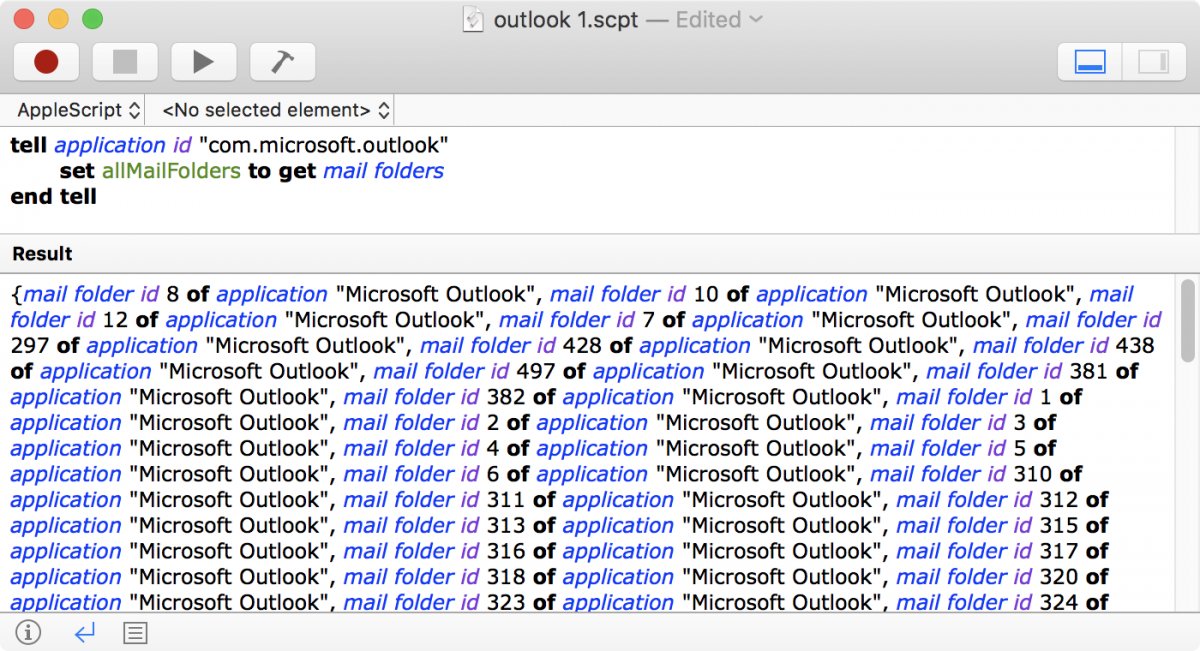
Like for AppleMail the result isn't pretty and gives only a numbered reference to the mailboxes:
Like for AppleMail I need to get the container of the mailboxes until the container is an account. The code needs to check for "missing value" so that I know when the container is an account:
set AllFolders to {}
tell application id "com.microsoft.outlook"
set allMailFolders to get mail folders
repeat with currentFolder in allMailFolders
set FolderName to name of currentFolder
set PathSoFar to ""
if FolderName is not missing value and (container of currentFolder is not missing value or account of currentFolder is not missing value) then
set ContainerName to "x"
set theContainer to currentFolder
repeat while ContainerName is not ""
set ContainerName to ""
try
set theContainer to container of theContainer
set ContainerName to name of theContainer
if ContainerName is missing value then
set theAccount to account of theContainer
if theAccount is not missing value then
set AccountName to name of theAccount
set PathSoFar to AccountName & ":" & PathSoFar
end if
else
set PathSoFar to ContainerName & ":" & PathSoFar
end if
end try
end repeat
set end of AllFolders to my replace_chars(PathSoFar & ":" & (FolderName), "::", ":")
end if
end repeat
return AllFolders
end tell
on replace_chars(this_text, search_string, replacement_string)
set AppleScript's text item delimiters to the search_string
set the item_list to every text item of this_text
set AppleScript's text item delimiters to the replacement_string
set this_text to the item_list as string
set AppleScript's text item delimiters to ""
return this_text
end replace_chars
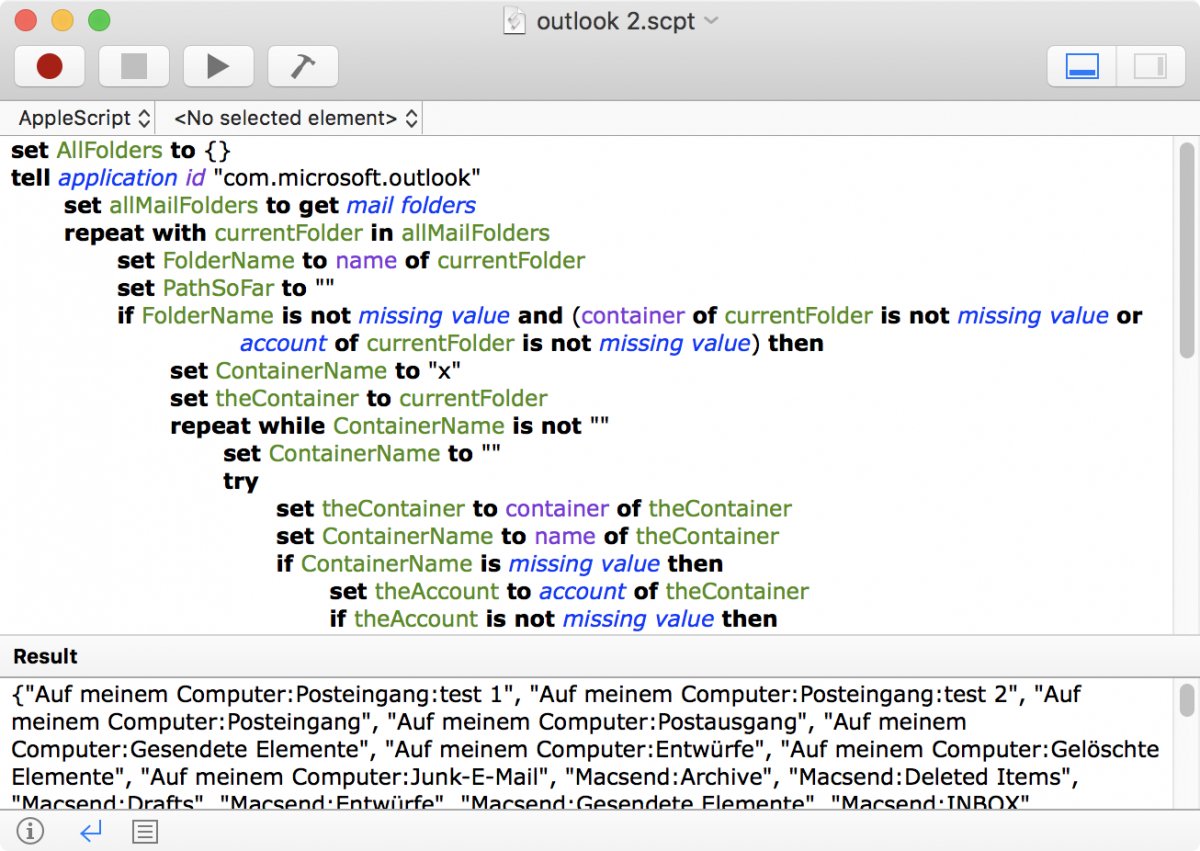
The result of the script is nice list with the full path of each mailbox:
In the next article I'm going to use the mailbox script to get a list of empty mailboxes for Outlook.