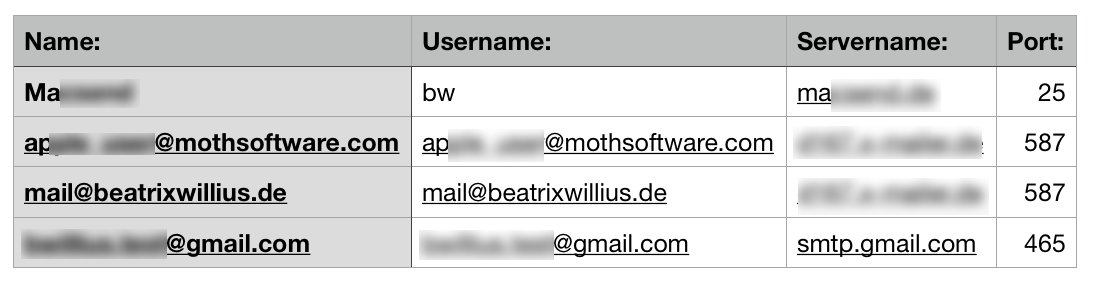
In last weeks article I showed you how to make a list of account information from AppleMail. Today we are going to to the same in Outlook.
As always Outlook is a tiny bit different than Mail. Outlook has 2 types of accounts: Imap accounts and Exchange accounts. The "server name" from AppleMail is an "smtp server" in Outlook. But the basic script is the same. We loop over the accounts to get the information we want:
tell application id "com.microsoft.Outlook"
set theAccounts to get imap accounts
set ExchangeAccounts to get exchange accounts
set theAccounts to theAccounts & ExchangeAccounts
set accountInfo to {}
repeat with theAccount in theAccounts
set end of accountInfo to "New account"
set end of accountInfo to "Name: " & name of theAccount
set end of accountInfo to "Username: " & user name of theAccount
set end of accountInfo to "Servername: " & (smtp server of theAccount)
set end of accountInfo to "Port: " & (smtp port of theAccount)
end repeat
return accountInfo
end tell
The result is okay. But not really nice:
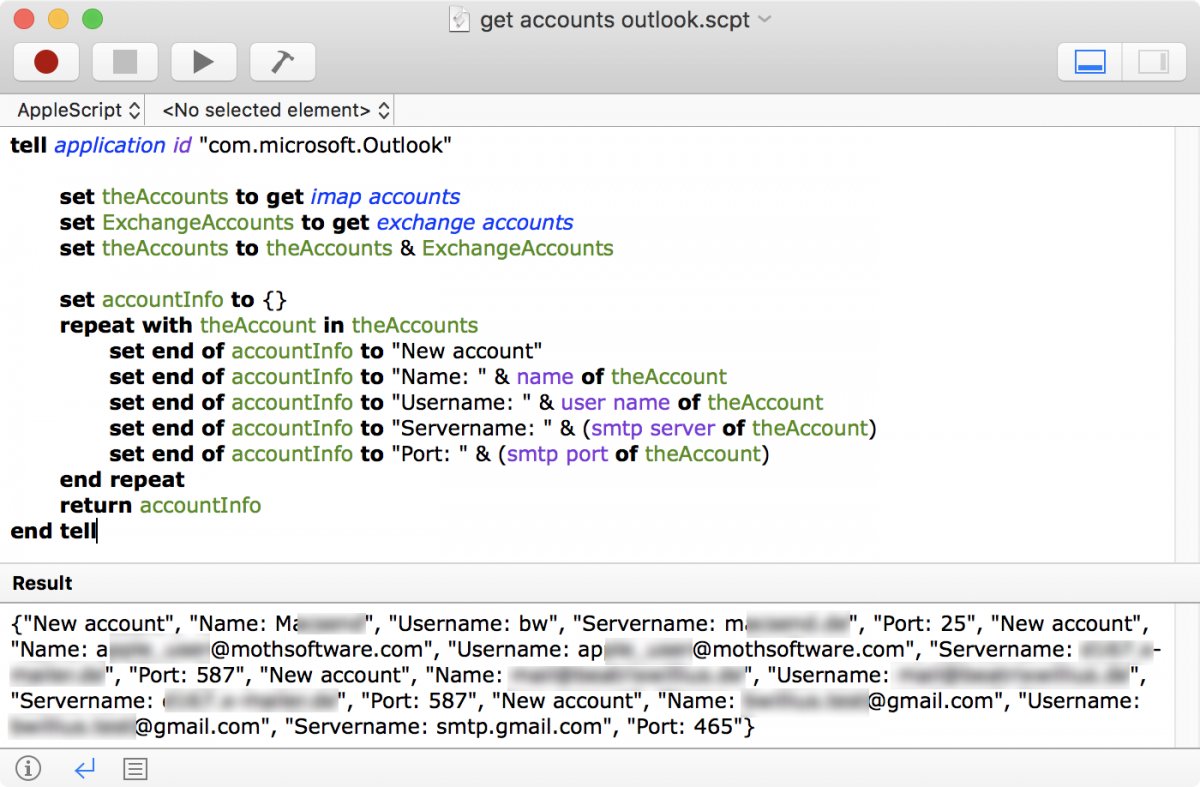
Again we are going to transform the result into a list that can be read by Numbers or Excel.
tell application id "com.microsoft.Outlook"
set theAccounts to get imap accounts
set ExchangeAccounts to get exchange accounts
set theAccounts to theAccounts & ExchangeAccounts
set this_data to ""
set this_data to "Name:," & "Username:," & "Servername:," & "Port:" & return
repeat with theAccount in theAccounts
set theName to name of theAccount
set UserName to user name of theAccount
set ServerName to smtp server of theAccount
set thePort to smtp port of theAccount
set this_data to this_data & theName & "," & UserName & "," & ServerName & "," & thePort & return
end repeat
--use file on desktop
set this_file to ((( path to desktop folder ) as string ) & "apple script data.csv")
--write data to file
my write_to_file ( this_data , this_file , true )
end tell
--routine for writing data to file
on write_to_file ( this_data , target_file , append_data )
try
set the target_file to the target_file as string
set the open_target_file to open for access file target_file with write permission
if append_data is false then set eof of the open_target_file to 0
write this_data to the open_target_file as «class utf8» starting at eof
close access the open_target_file
return true
on error
try
close access file target_file
end try
return false
end try
end write_to_file
The result is like last week a nice list: