


In AppleMail you can't directly print a list of emails. But that's what AppleScript is for.
How to use the script?
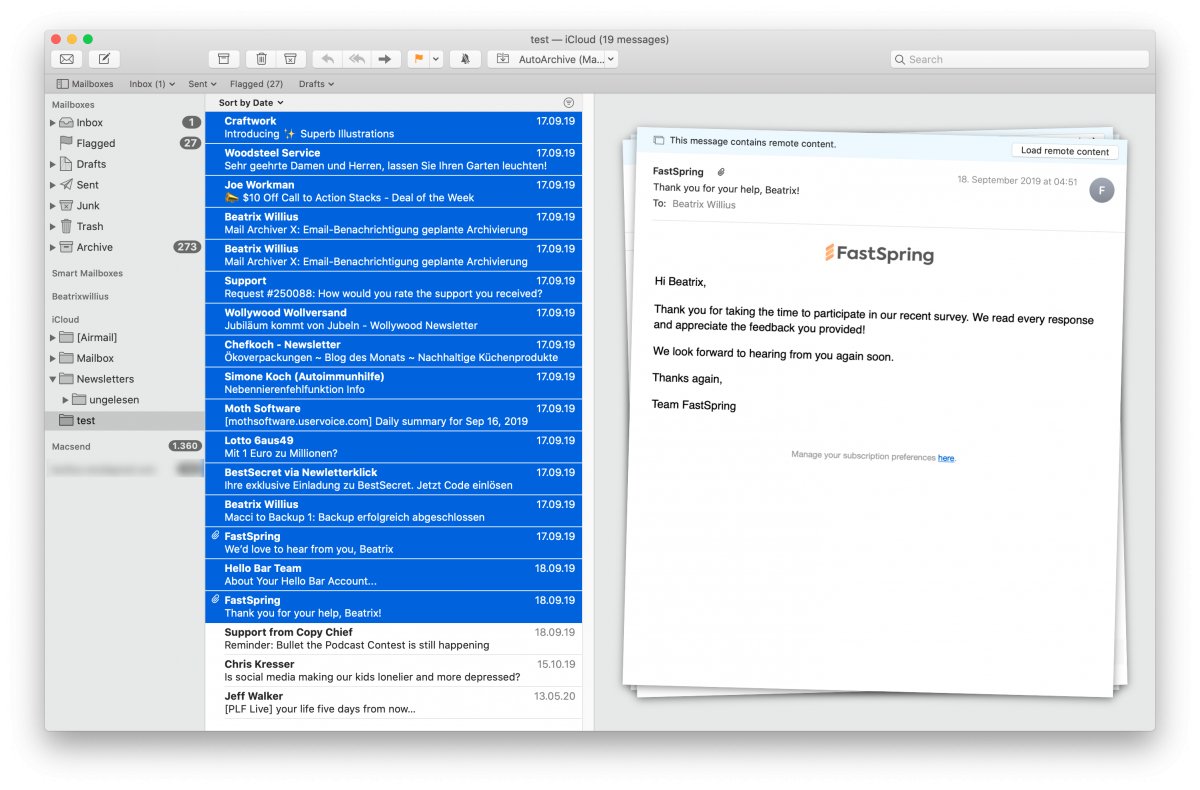
1. Select some emails in AppleMail:
2. Copy the below AppleScript to Script Editor:
tell application "Mail"
set this_data to ""
--get the selected emails
set SelectedMails to selection
--loop through emails and add data to result
repeat with currentMail in SelectedMails
set theSender to sender of currentMail
set theDate to date received of currentMail
set theSubject to subject of currentMail
set this_data to this_data & theSender & "," & theDate & "," & my quote_for_csv(theSubject) & return
end repeat
--use file on desktop
set this_file to (((path to desktop folder) as string) & "apple script data.csv")
--write data to file
my write_to_file(this_data, this_file, true)
end tell
--routine for writing data to file
on write_to_file(this_data, target_file, append_data)
try
set the target_file to the target_file as string
set the open_target_file to open for access file target_file with write permission
if append_data is false then set eof of the open_target_file to 0
write this_data to the open_target_file as «class utf8» starting at eof
close access the open_target_file
return true
on error
try
close access file target_file
end try
return false
end try
end write_to_file
--replace " with "" and add " at beginning and end so that a comma doesn't make a new field
on quote_for_csv(the_text)
set the_text to replace_chars(the_text, "\"", "\"\"")
return "\"" & the_text & "\""
end quote_for_csv
--replace characters in text
on replace_chars(this_text, search_string, replacement_string)
set AppleScript's text item delimiters to the search_string
set the item_list to every text item of this_text
set AppleScript's text item delimiters to the replacement_string
set this_text to the item_list as string
set AppleScript's text item delimiters to ""
return this_text
end replace_chars
3. Execute the script: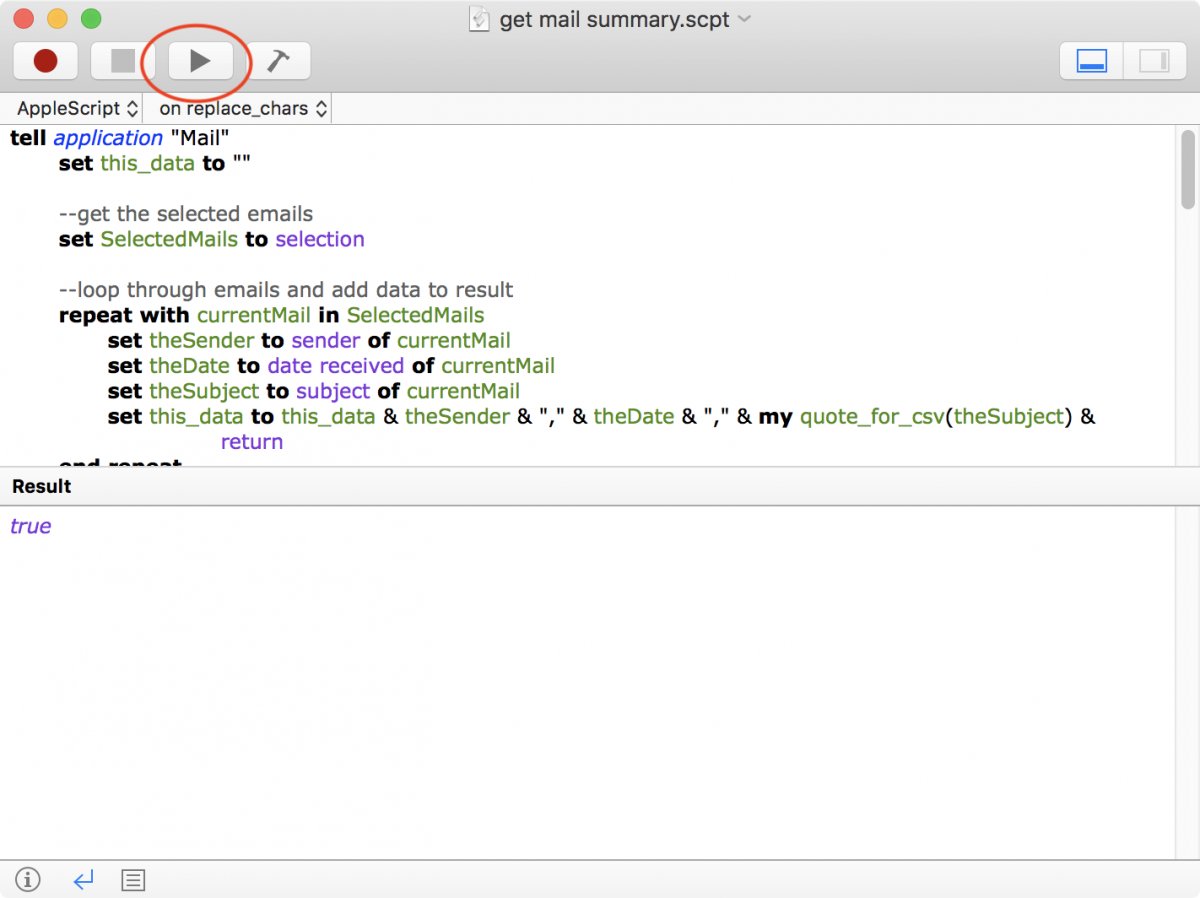
4. The result is a file on the desktop: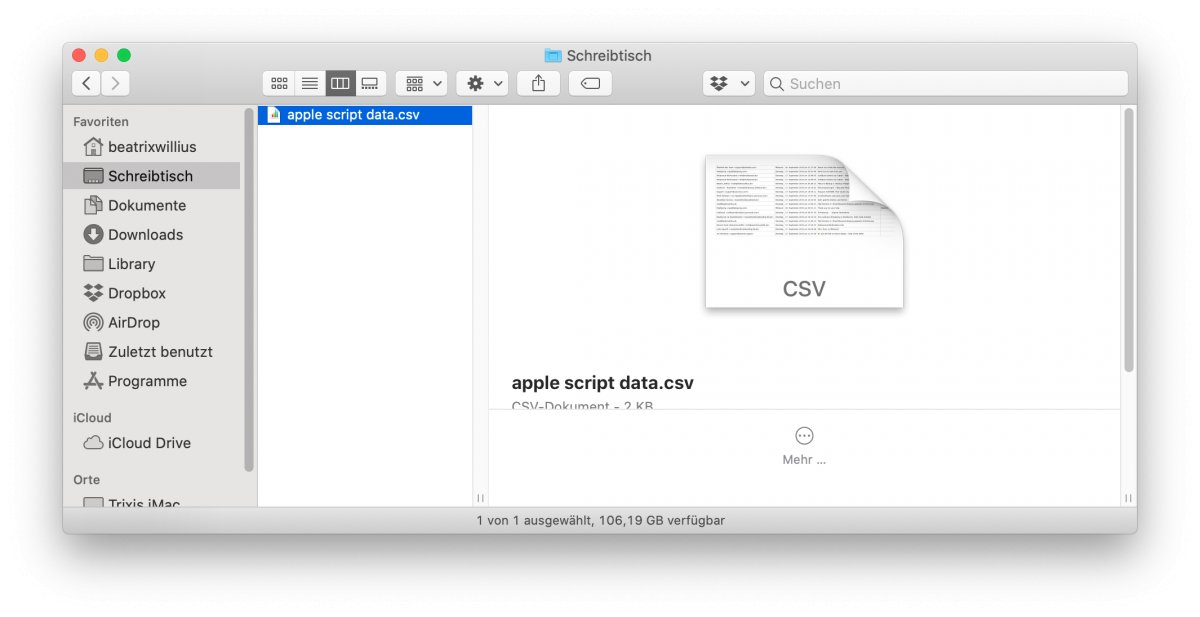
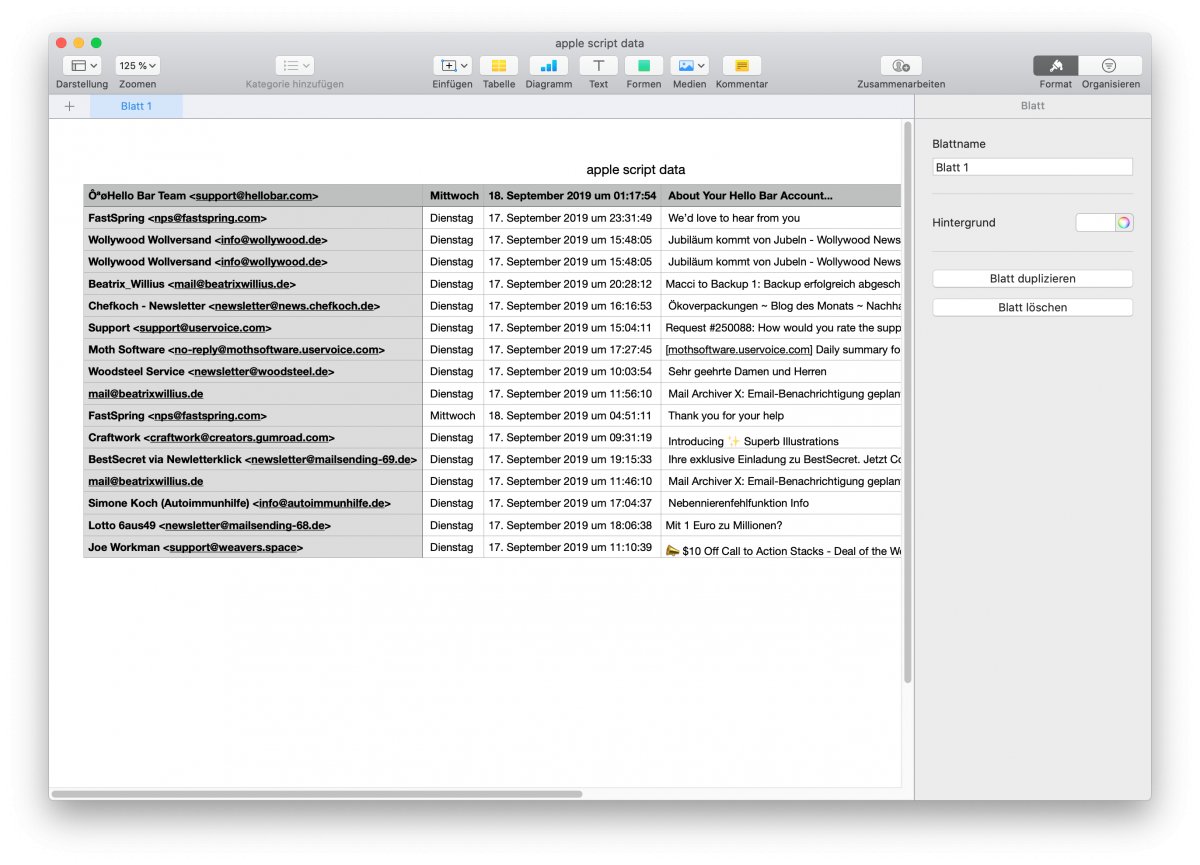
5. Do a double-click and the file should be opened in Numbers or Excel:
How does the script work?
I start by asking Mail for the selected emails:
set SelectedMails to selection
which gives me an array of emails. An email in AppleScript has a lot of properties. The script can talk to all of these:
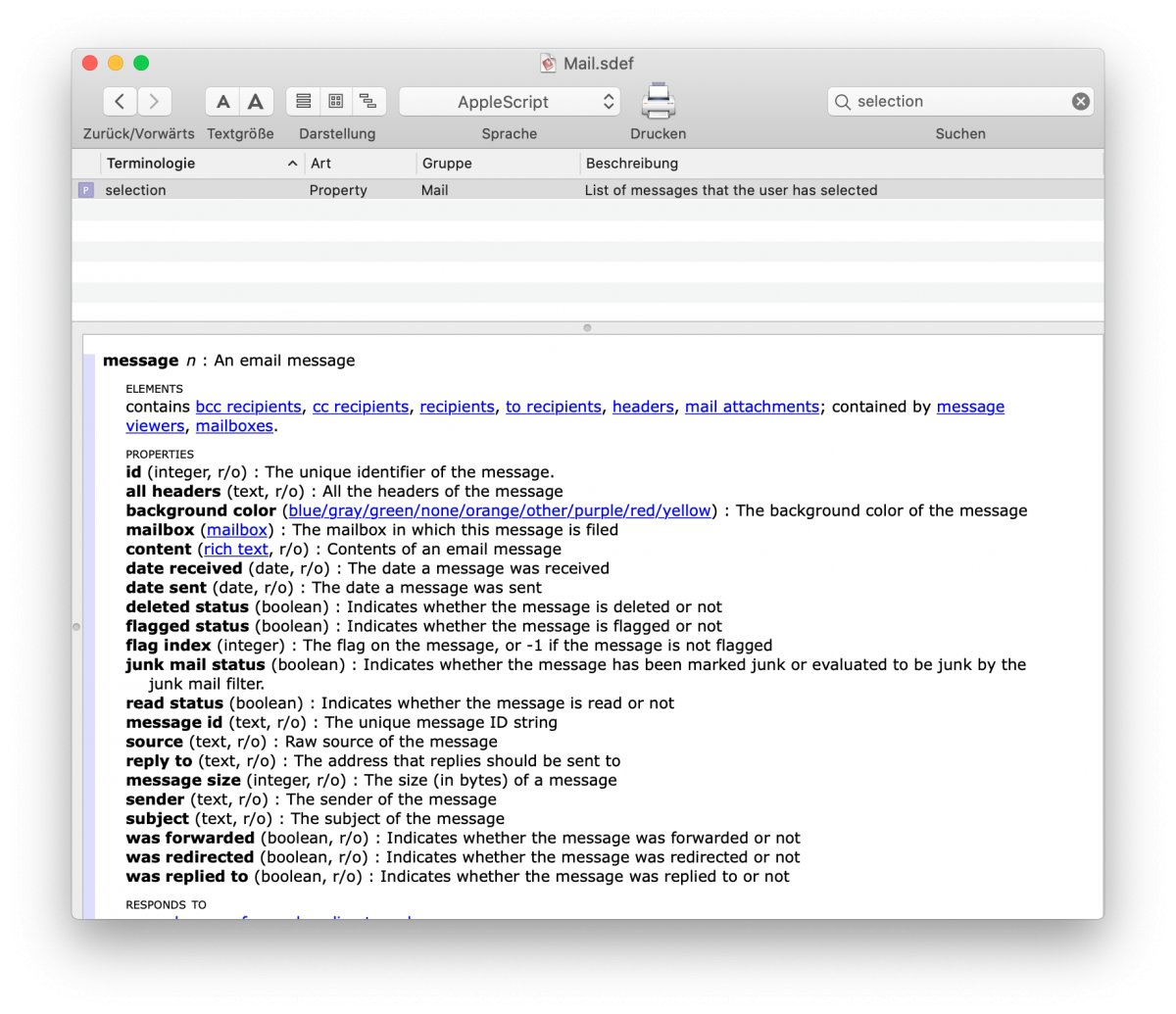
The script uses sender, date received and subject. Of course, you can change the information.
Now the script loops over the emails and gets the information out we need. The end result is supposed to be comma separated text. The subject can contain commas and quotes. As result both need to be quoted. That's what the function "quote_for_csv" does:
repeat with currentMail in SelectedMails
set theSender to sender of currentMail
set theDate to date received of currentMail
set theSubject to subject of currentMail
set this_data to this_data & theSender & "," & theDate & "," & my quote_for_csv(theSubject) & return
end repeat
The final piece of the script writes the text to the hard disk. I'm using a single file on the desktop:
--use file on desktop
set this_file to (((path to desktop folder) as string) & "apple script data.csv")
--write data to file
my write_to_file(this_data, this_file, true)
The code in write_to_file isn't anything special. The only "trick" I had to use was "«class utf8»". This makes any type of special character show up correctly in Numbers.