


In last weeks article I showed you how to print a list of selected emails in AppleMail. It turns out that the script can be used for Outlook after a couple of changes.
How to use the script?
The script is used like the one for AppleScript.
1. Select some emails in Outlook.
2. Copy the AppleScript to ScriptEditor:
tell application "Microsoft Outlook"
set this_data to ""
set SelectedMails to selection
repeat with currentMail in SelectedMails
set theSender to sender of currentMail
set theName to ""
try
set theName to name of theSender
on error
--nothing to do
end try
set theAddress to address of theSender
set theDate to time received of currentMail
set theSubject to subject of currentMail
set this_data to this_data & theName & " " & theAddress & ", " & theDate & ", " & theSubject & return
end repeat
set this_file to (((path to desktop folder) as string) & "apple script data.csv")
my write_to_file(this_data, this_file, true)
end tell
on write_to_file(this_data, target_file, append_data)
try
set the target_file to the target_file as string
set the open_target_file to open for access file target_file with write permission
if append_data is false then set eof of the open_target_file to 0
write this_data to the open_target_file as «class utf8» starting at eof
close access the open_target_file
return true
on error
try
close access file target_file
end try
return false
end try
end write_to_file
3. Execute the AppleScript: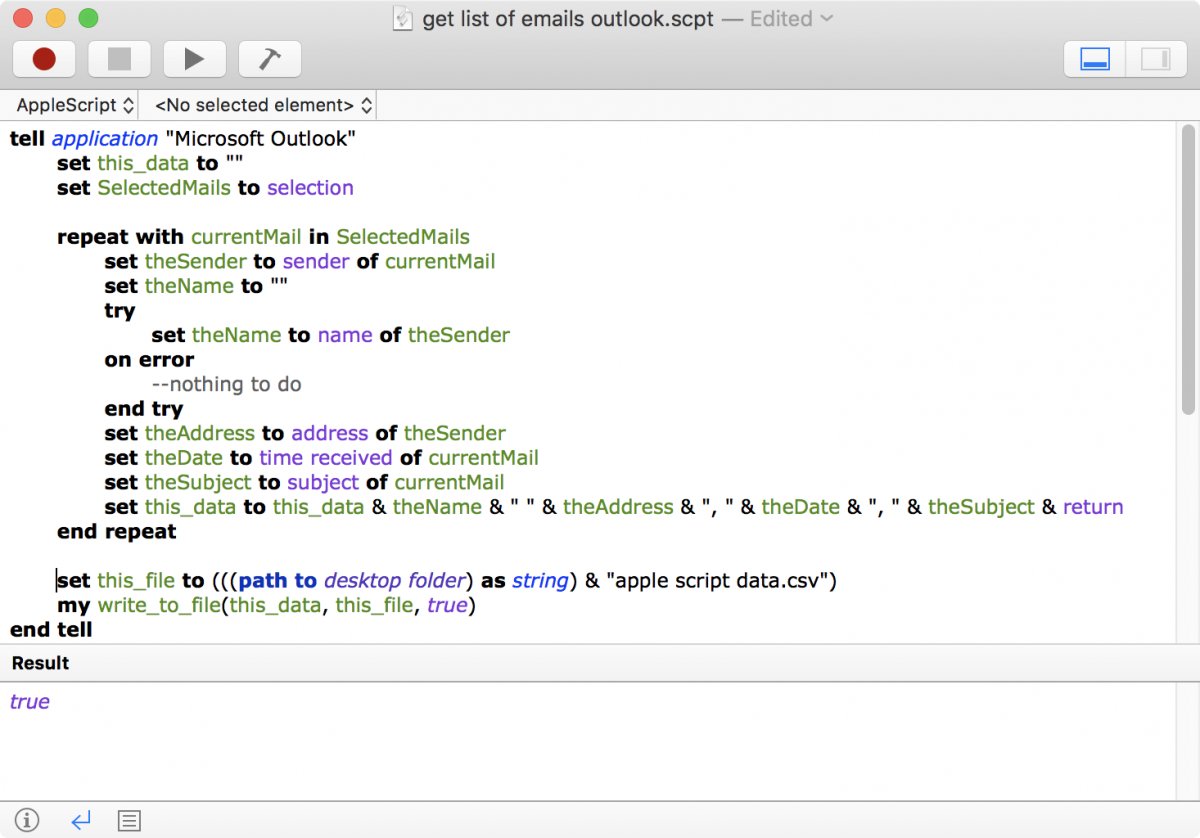
4. You will find a file with the name "apple script data.csv" on the desktop. Double-click to open in Numbers or Excel. Then you can format and print the list.
How does the script work?
The script works similarly to the one for AppleMail with a couple of twists.
For AppleMail the sender is a simple string:
set theSender to sender of currentMail
The sender in Outlook is an object where we need to get the information which we want - the name and the email address of the sender. This makes the code a bit longer:
set theSender to sender of currentMail
set theName to ""
try
set theName to name of theSender
on error
--nothing to do
end try
set theAddress to address of theSender
That the "date received" in AppleMail is "time received" in Outlook is just a minor blib.
The rest of the script works like for AppleMail: the data is combined with , end of lines. The data is quoted as needed. Finally the data is written to the desktop.