


What have I done so far
- In Getting started with Alfred: Workflows with AppleScript I had a look at the interface of Alfred. I did a simple workflow with a silly AppleScript for testing.
- I showed an important troubleshooting method in How to do debugging in Alfred.
- Still with the silly "Hello World" script I had a look at how to let Alfred interact with the script in Alfred: handling environment variables and parameters.
- The hard part of the work was done with the AppleScript to save attachments in Mail.
Creating the Alfred workflow with an AppleScript
The final part is to assemble everything into a new workflow in Alfred. This is now not complicated at all because I know what goes where.
I'm not going to explain the single steps in detail because I've already done that. If you have problems refer to the earlier articles.
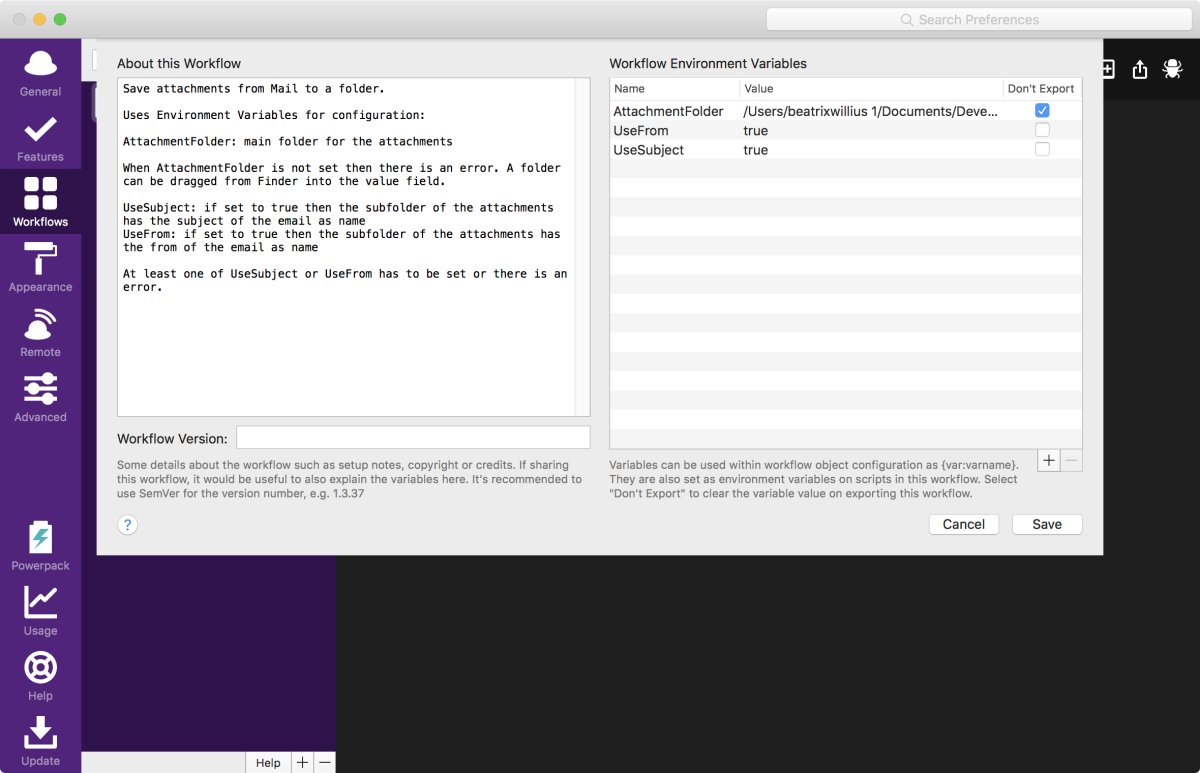
I need to make a new workflow with a nice name. The workflow will be started with the keyword "save attachment". There is no argument for the keyword. The workflow needs 3 environment variables. When you download the workflow there will be no value for AttachmentFolder because the variable will not be exported. To add your own folder drag a folder from Finder to the Environment Variable in Alfred. "UseFrom" and "UseSubject" are for the name of the subfolder for the attachment folder.
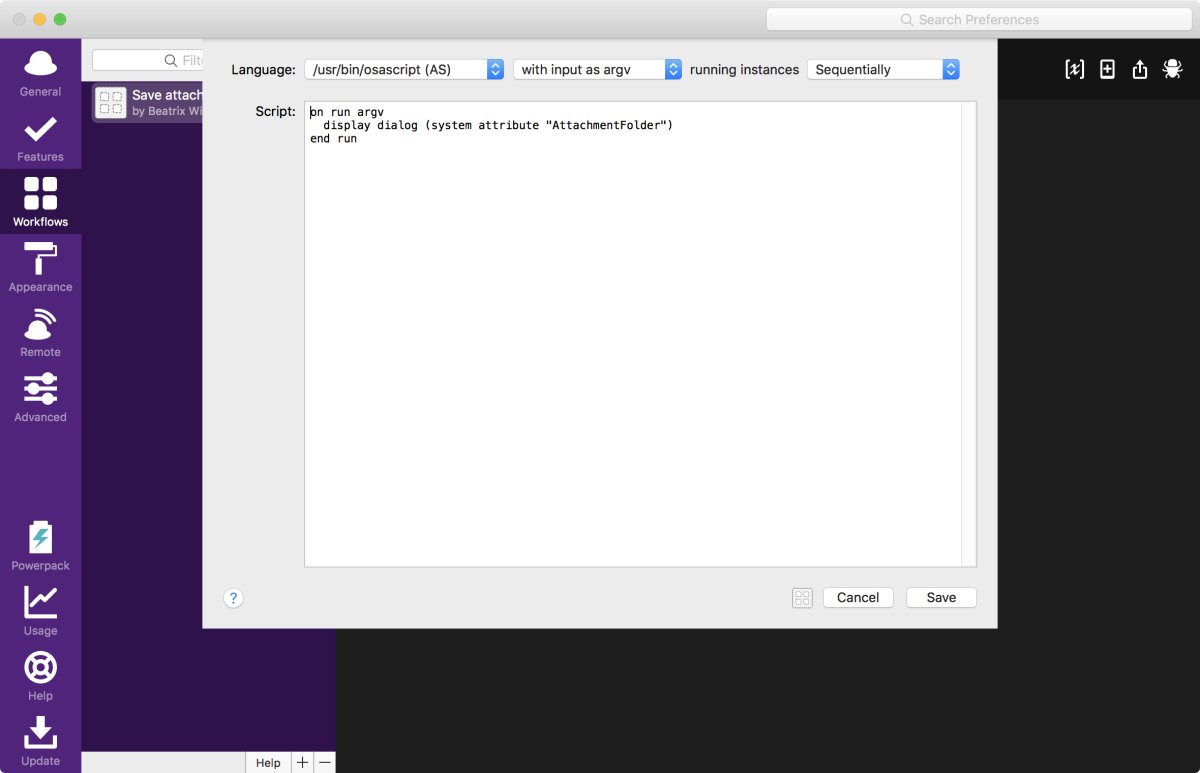
The workflow needs an OSAScript step. I'll start with a super simple script again:
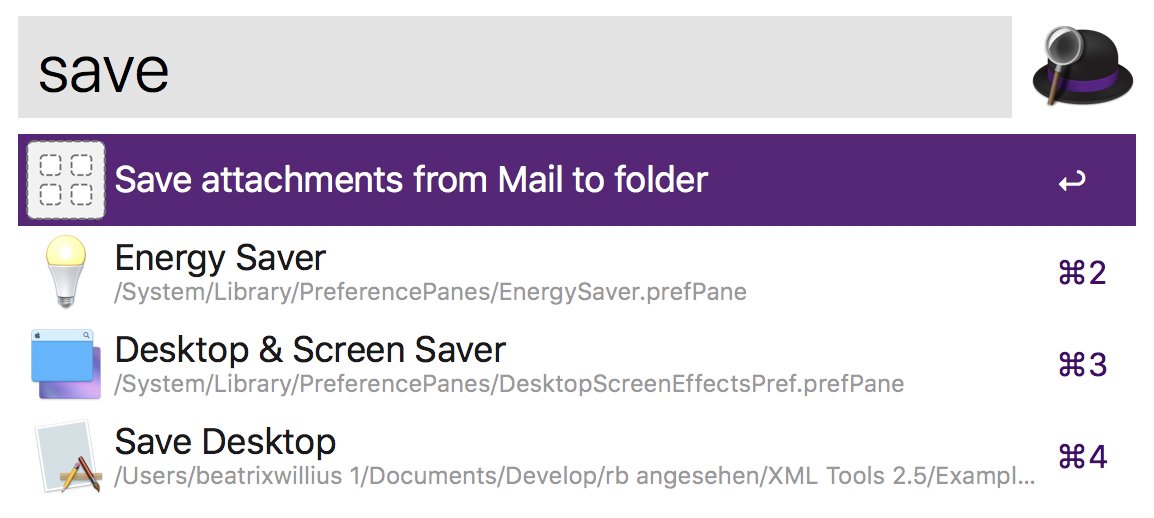
It's the first time to execute the workflow:
I can now see the result from the Environment Variable:
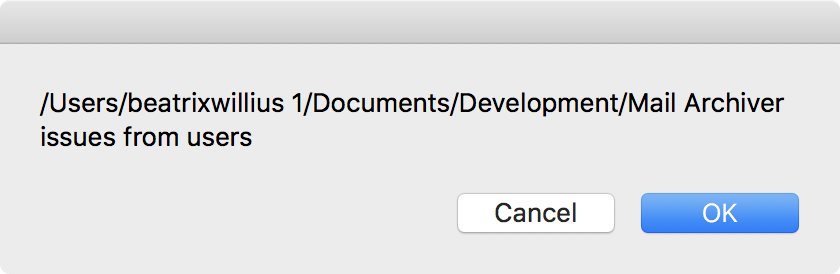
Success!
Now I need to make small changes in the AppleScript I developed in the last article. The AppleScript had fixed values. But we want to use the Environment Variables from Alfred. Therefore, I need to replace the values with the correct Environment Variable. The beginning of the AppleScript now should look like this:
--set main folder of attachments
set attachmentsPath to "/Users/beatrixwillius 1/Documents/Development/Mail Archiver issues from users"
try
set attachmentsFolder to (attachmentsPath as POSIX file) as alias
on error errMsg number errNr
display dialog "Please select a folder for saving the attachments! Error: " & errMsg & " Nr.: " & errNr
return
end try
if not my isdirectory(attachmentsPath) then
display dialog "Please select a folder for saving the attachments!"
return
end if
--set how the sub folders for the attachments should be named
set UseSubject to "false"
set UseFrom to "true"
if not UseSubject = "true" and not UseFrom = "true" then
display dialog "Please set the name of the attachment folders either to the subject or the from of the email!"
return
end if
The changed AppleScript goes into the workflow step in Alfred.
That's it!
Troubleshooting the workflow
I've tested the AppleScript extensively. Above I've also made sure that the workflow with the environment variables works fine. Always always problems show up. Problems are normal, they are simply meant to be solved. Each step can be tested individually. Then it's much easier to identify what needs to be fixed. If there are still problems then the debugger of Alfred can be used to troubleshoot.
Benefits and drawbacks of using a script
Developing an application like Mail Archiver is a lot of work. Creating a workflow with Alfred is so much faster and easier.
Mail Archiver offers a lot of options for instance for creating PDF files:
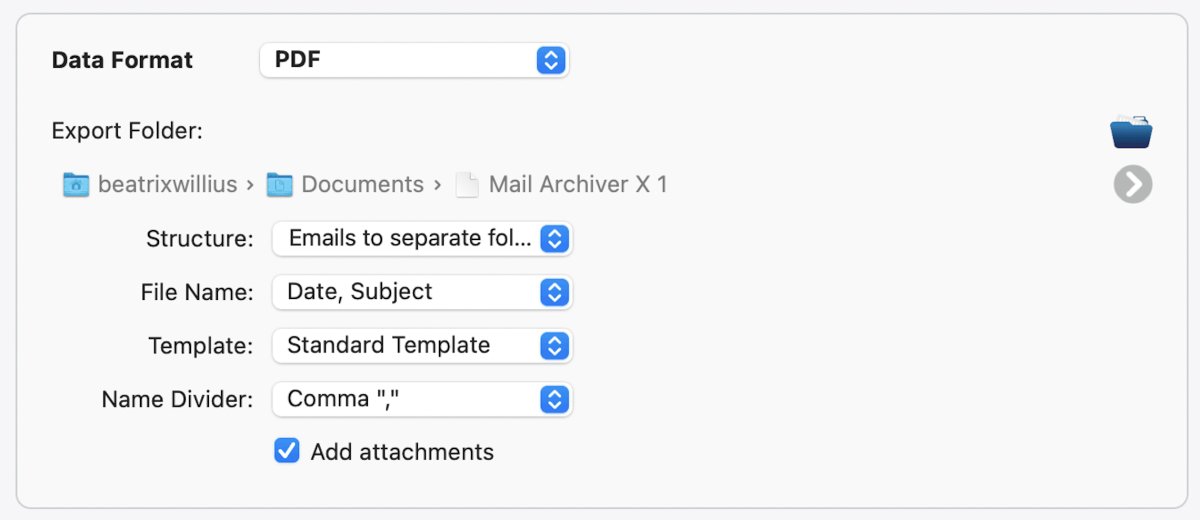
You can try to do something similar with a script. But this will get super painful super fast. But those options really aren't needed. If you need a date in addition to the subject or the from it's the work of minutes to add a date to the attachment sub folder. Adding a feature in Mail Archiver would take hours.
Another drawback of a script is the error handling. An application has hundreds of errors for everything. The script has simple error handling. But it can't handle all the complexity of an application. I have had some fun with emojis and Dropbox. It wouldn't be possible to do such error handling in a script.
The workflow is available for download in the newly renamed Xojo + Alfred page